On this page
When security cameras, camera lenses, a video recorder and a mobile viewing app are being chosen for an apartment entrance or garden gate, the specifications can make resolution appear to be the main decision. It is not. The real question is whether the recorded subject will contain the detail you need at the distance and lighting conditions of that particular scene. Security camera resolution matters, but only as part of that complete optical and recording path.
Choose Security Camera Resolution From the Required Detail
Begin by defining what the camera is expected to show. A useful planning distinction is between observation, recognition and identification. An observation view shows activity and context: someone entered the garden, a delivery reached the counter, or a vehicle stopped by the gate. Recognition detail helps a viewer distinguish a familiar person or object. Identification detail requires a clearer, more specific view of the subject.
These are practical design goals rather than properties printed on a camera box. A camera may provide good observation across a courtyard while recording too little facial detail at the far gate. The same camera could provide much more useful detail if it were aimed only at the gate and framed more tightly.
Camera megapixels explained: what does the rating leave out?
Resolution describes how many pixels are recorded in each frame. It does not say where those pixels fall in the scene. A high pixel count spread across a garden, pavement, walls and sky may place relatively few pixels on a face near the edge of the frame. A more modest image framed around a doorway can retain better subject detail because a larger share of the frame is used for the doorway.
The same planning logic is sometimes described as CCTV image detail: assess the information present at the target, rather than judging the apparent sharpness of the whole picture. Fine leaves, textured walls and bright signs can make an image look impressive while the important subject remains too small.
What determines camera identification distance?
Camera identification distance depends on target size in the frame, lens choice, mounting angle, lighting, movement and retained recording quality. There is no single useful distance that applies to every installation. Define the target location first: the threshold of an apartment entrance, the point where a visitor pauses at a garden gate, or the position where a customer normally stands at a counter.
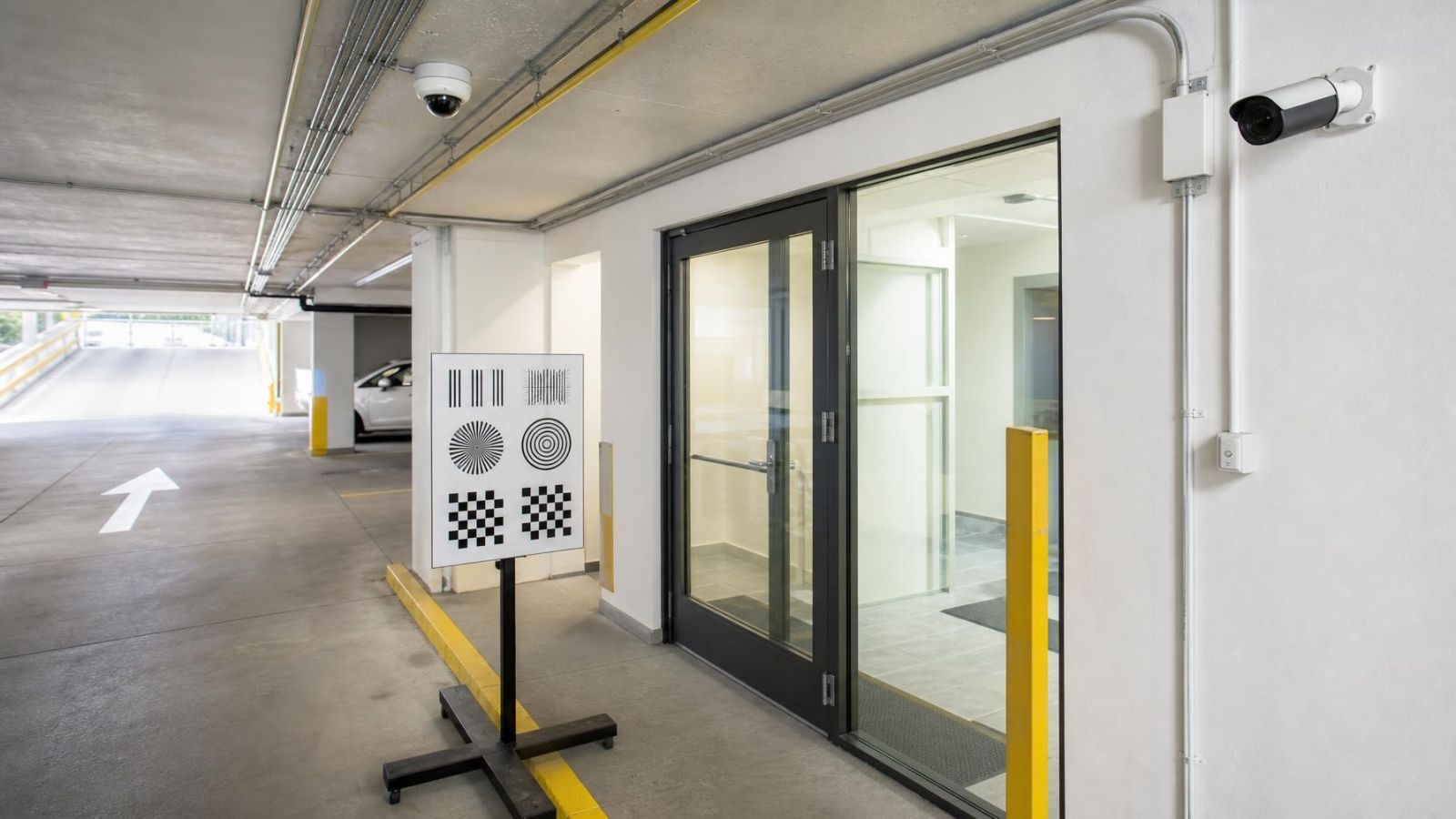
Set a separate requirement for every view. The camera watching a shared building entrance may need to show the whole lobby and lift area. A second view can be framed around the outer door. In a shop, the general floor view and the counter view have different purposes even when both are displayed on the same monitor.
How Does Field of View Affect Detail?
Field of view determines how much of the scene is placed inside the frame. Widening the view spreads the available pixels across more space. Each person, package or vehicle therefore occupies a smaller part of the recorded image. This relationship is easy to overlook because the wide image can still look crisp when viewed at normal screen size.
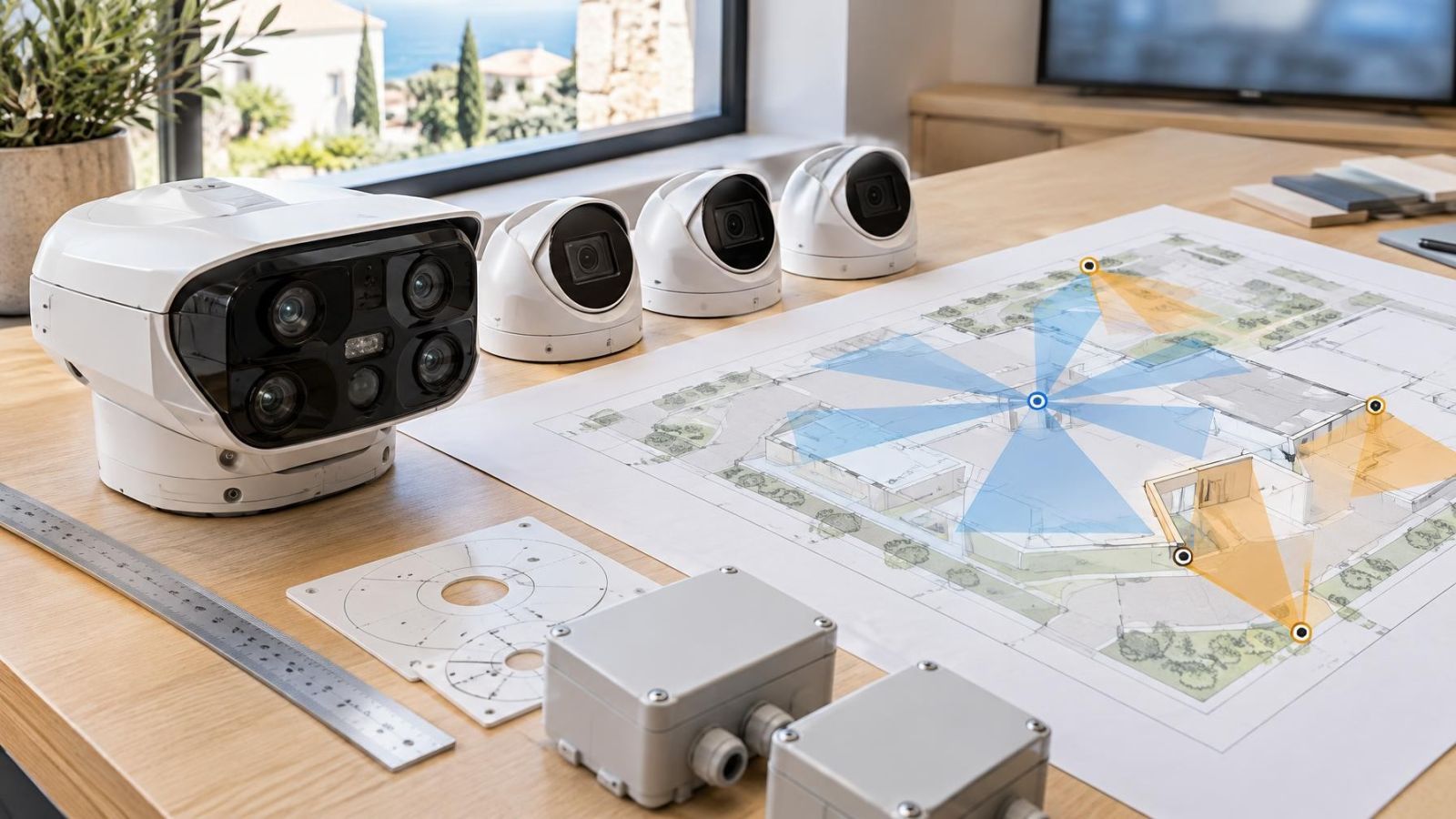
Pixel density is the useful concept here: how much recorded image information falls on the subject at the location where detail matters. You do not need to calculate it to improve a basic plan. Compare the target's size in the full frame. If a person at the gate occupies only a small area in a broad garden view, enlarging that area later has strict limits.
| Scene | Useful framing | Main detail goal | Common compromise |
|---|---|---|---|
| Garden | Wide boundary and paths | Movement and context | Small subjects at distant gates |
| Garden gate | Tight approach and stopping point | Faces and carried items | Less surrounding context |
| Apartment doorway | Threshold and visitor position | People entering or waiting | Limited lobby coverage |
| Business counter | Customer and transaction area | Hands, faces and exchanged items | Less floor-area coverage |
Cropping should be planned during installation, not treated as a rescue method after an incident. If the final view will always discard a large strip of ceiling, blank wall or open sky, adjust the lens or camera position so that the important area uses more of the recorded frame. Leave enough context to understand the event, but do not spend pixels on areas that serve no purpose.
Match the Lens to the Scene
Focal length controls framing together with sensor size and target distance. A wider lens includes more of the surroundings. A longer focal length narrows the view and makes a distant target occupy more of the frame. The correct choice is not the longest or widest lens available. It is the lens that places the required target detail inside a useful composition.
A variable lens or optical zoom is valuable when framing must be adjusted at the site. Optical zoom changes the image delivered to the sensor, so the chosen subject can use more of the available pixels. It should be set around a planned target, such as the pedestrian area inside a gate, rather than used simply to make the picture look closer.
Digital zoom works differently. It enlarges pixels that have already been recorded. It can make a small area easier to inspect on a screen, but it cannot create facial features, lettering or object detail that was absent from the original frame. If substantial digital enlargement is routinely needed, the original framing is probably too wide for the task.
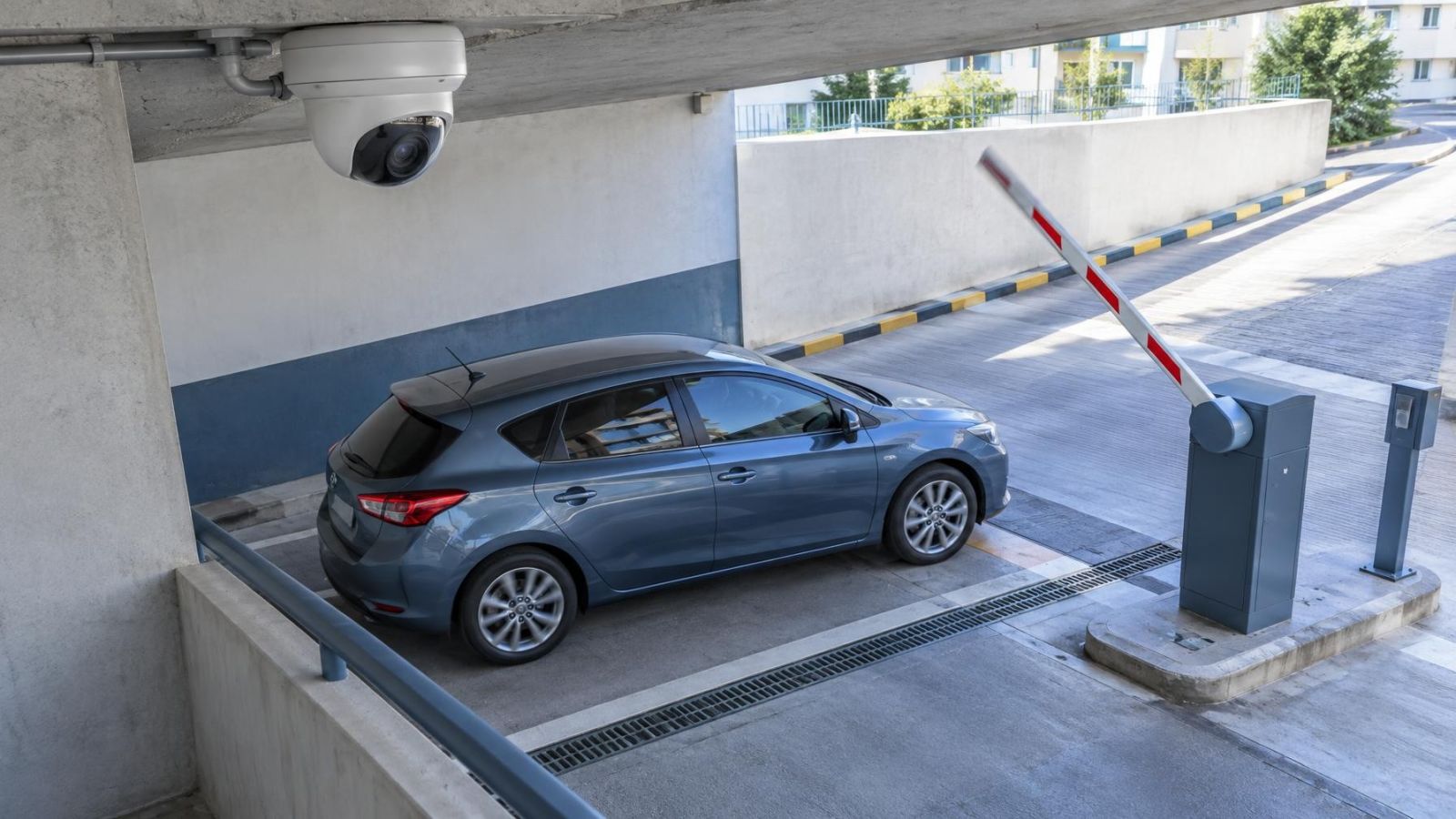
Mounting position matters as much as focal length. A steep overhead angle may show the top of a person's head more clearly than the face. A camera aimed diagonally across a doorway may lose detail as subjects move through different distances. Direct, controlled views of predictable stopping points generally use the recorded pixels more effectively.
What Changes After Dark?
A clear daytime image does not establish useful night performance. After dark, the camera has less light with which to form each frame. Image processing may brighten the scene, but it can also soften fine detail or introduce visible noise. Infrared illumination may help produce night vision, although its useful distribution must match the field of view and target distance.
Movement is often the limiting factor. A stationary wall or parked vehicle can look sharp while a walking person is blurred. The camera needs enough light to use an exposure that retains moving detail. Raising apparent brightness alone does not solve motion blur, and a high-resolution frame can still contain a blurred subject.
Israeli sites often combine difficult light sources. Strong sun can strike an entrance while the interior behind it remains dark. At night, vehicle lights, illuminated signs and entrance fixtures can sit beside deep shadow. WDR (wide dynamic range) can help balance bright and dark regions, but it does not remove every compromise. The camera angle and the placement of lighting remain important.
Glare can also come from surfaces close to the camera. Pale walls, metal gates, glass panels and dusty covers may reflect infrared or visible light back towards the lens. Near the coast, humidity and deposits on an exposed cover can reduce contrast. Cleaning the viewing surface and checking nearby reflective objects may improve usable detail more than changing the nominal resolution.
Account for Recording and Playback
The image leaving the camera is only one part of the result. Video compression reduces the amount of data that must be handled and stored. More aggressive compression can remove subtle textures or produce block-like artefacts around moving subjects. The effect may be most visible in foliage, rain, patterned clothing, busy shop shelves or scenes with changing light.
Higher-resolution recording usually demands more data handling and recording storage, but resolution is not the only influence. Frame rate, compression settings, scene complexity and recording schedule also affect the load. An NVR (network video recorder), DVR or VMS (video management software) must be configured to retain the quality required from each camera rather than applying one convenient setting to every channel.
Live view and recorded playback may follow different paths. A mobile viewing app often selects a lighter secondary stream so that video opens reliably over a remote connection. That preview may have lower detail or stronger compression than the original recording. Remote property owners should avoid judging final camera performance only from a phone screen.
Review the original recorded stream on a suitable display, then export a short section and open the exported file independently. Check that the export retains the expected dimensions, frame rate and detail. Also confirm that playback controls allow the relevant moment to be found without substituting a lower-quality stream.
The useful image is not the one shown in the specification or the app preview. It is the recording you can retrieve from the exact place and conditions that matter.
Choose Resolution Scene by Scene
A camera system does not need one resolution strategy for every position. Broad overview cameras are useful because they record context: where someone came from, which path was used, or what happened around a counter. Critical targets usually benefit from a dedicated view with tighter framing.
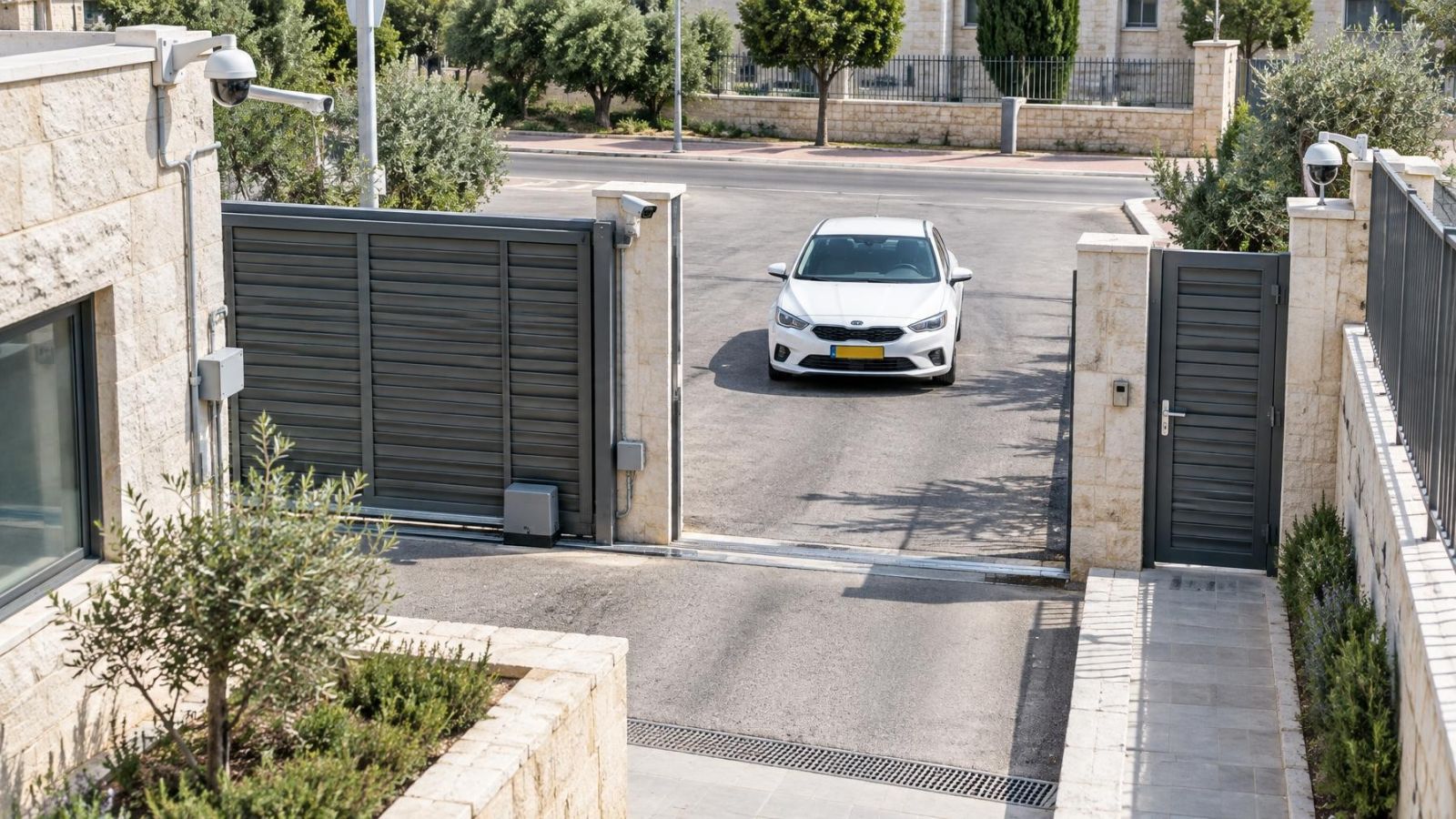
At a private home, one camera might show the garden and another the gate approach. In an apartment building, a shared entrance may need a general lobby view plus a controlled doorway view, subject to the practical decisions of the va'ad bayit. At a street-front business, a wide shop view and a closer counter or entrance view answer different questions.
Before choosing a higher pixel count, first ask whether the existing view can be improved by moving the camera, narrowing the lens or adding a dedicated angle. Closer framing places more of the available image information on the subject. It also reduces dependence on digital zoom during playback.
On-site verification should follow the full image path:
- Mark the exact target point and decide whether the view is for observation, recognition or identification.
- Set the mounting position, lens and field of view while a person or representative object is at that point.
- Check the live image in strong daylight, shade and the normal entrance or garden lighting.
- Record natural movement through the scene after dark and inspect it for blur, glare and uneven infrared illumination.
- Play back the original recording through the recorder or VMS rather than relying only on the mobile viewing app.
- Export a sample and confirm that the file preserves the detail visible in the original recording.
This process often leads to a mixed system: wider cameras for orientation and narrower cameras for important targets. That is not duplication. The views perform separate jobs. Resolution should support those jobs, while the lens, lighting, position and recorder preserve the detail that the pixels are meant to carry.
Key takeaways
- The required detail should be defined before camera resolution is selected.
- Lens choice, framing and target distance are as important as the number of pixels recorded in each frame.
- Separate overview and identification views usually serve critical locations better than one wide camera.
- Night performance must be tested at the actual mounting position with real lighting and movement.
- Original recorded footage should be checked independently of the lower-quality stream shown by a mobile app.