On this page
In a rental apartment, a wireless alarm, indoor security camera and door contact sensor may seem easier than fixed cabling, especially when a shared building entrance is also involved. But a renter security system is not simply a choice between drilling and no drilling. The useful question is which parts should stay stable, which parts should move with you, and what each device needs for power, recording and communication.
What Changes Are Acceptable for a Renter Security System?
Start with the property, not the equipment catalogue. A wall-mounted camera may need holes for its bracket and a route for its cable. An alarm control panel may be wireless to its detectors but still need mains power. Even an adhesive door contact can leave residue or lift weak paint when removed.
How Should You Plan Rental Property Security?
Discuss visible and permanent changes with the property owner before installation. Be specific. “Security equipment” is too broad to support a useful conversation. Identify proposed camera positions, cable routes, drilled holes, external devices and anything attached to doors, shutters or window frames. Agree which items will remain and which will be removed when the tenancy ends.
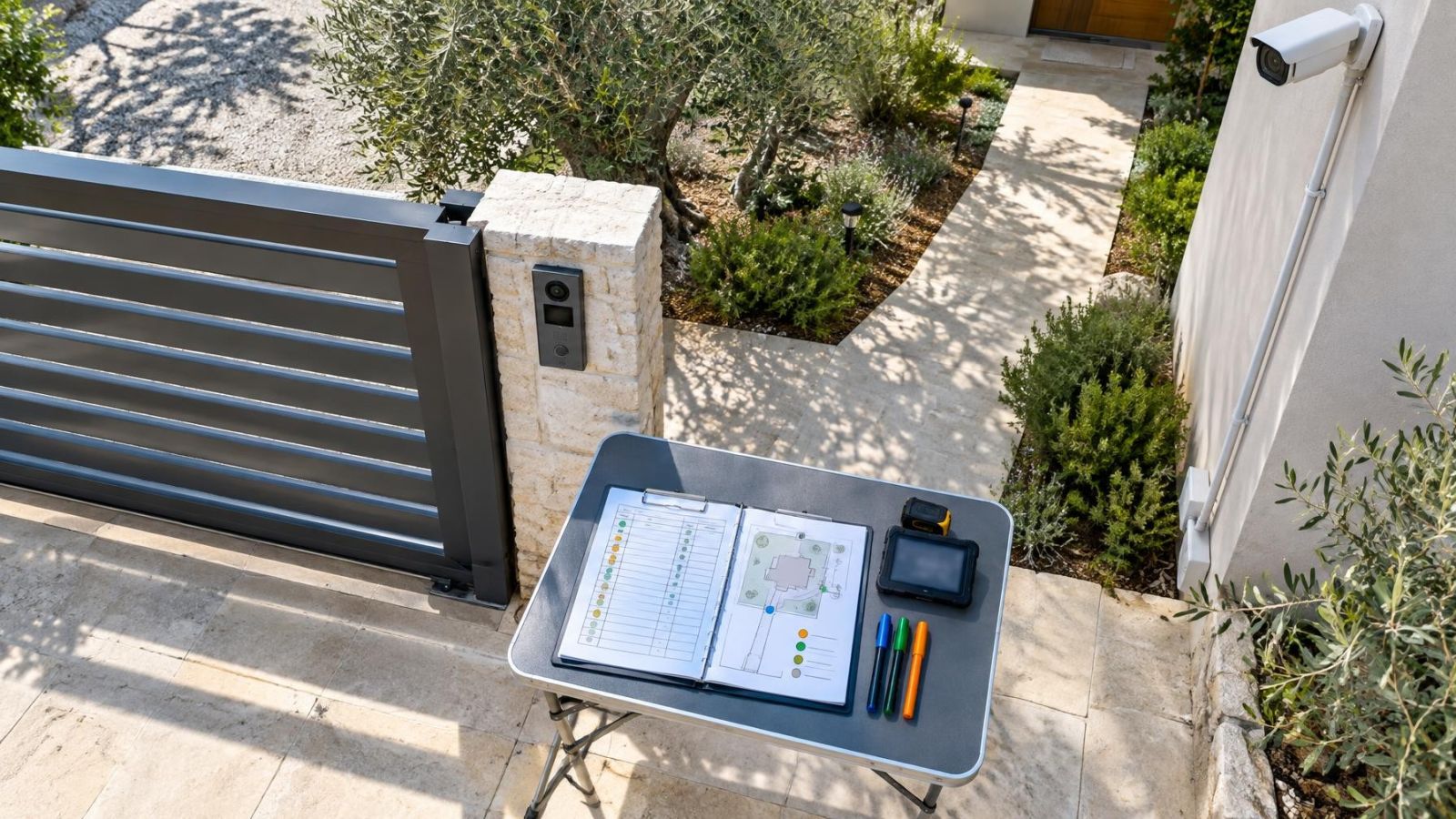
A simple marked floor plan is often enough. It should distinguish between freestanding devices, adhesive-mounted components and equipment fixed with screws. Photographs of the proposed mounting surfaces can help everyone understand the work. If restoration is expected, define what that means in practical terms: removing cable channels, filling holes, cleaning adhesive residue or touching up a painted surface.
The shared building entrance requires separate coordination because it sits beyond the rented apartment. In an Israeli apartment building, decisions may involve the owner, neighbours, building management or the va'ad bayit. A camera inside the apartment looking towards the front door is different from equipment attached in the lobby, stairwell, lift area or external entrance. Treat the common area as its own part of the plan rather than an extension of the apartment.
Reversible Security Options
When Does a Removable Security System Make Sense?
Reversible equipment is well suited to rooms whose use may change and to tenants who expect to take their equipment with them. It is particularly practical for indoor coverage, where devices can stand on furniture and are protected from direct rain, strong sun and heavy dust.
- Wireless alarm components: A control panel can communicate by radio with motion detectors, door contacts and other alarm parts. Wireless communication reduces signal cabling, but the panel may still need mains power and an internet connection. Battery-powered components need periodic maintenance.
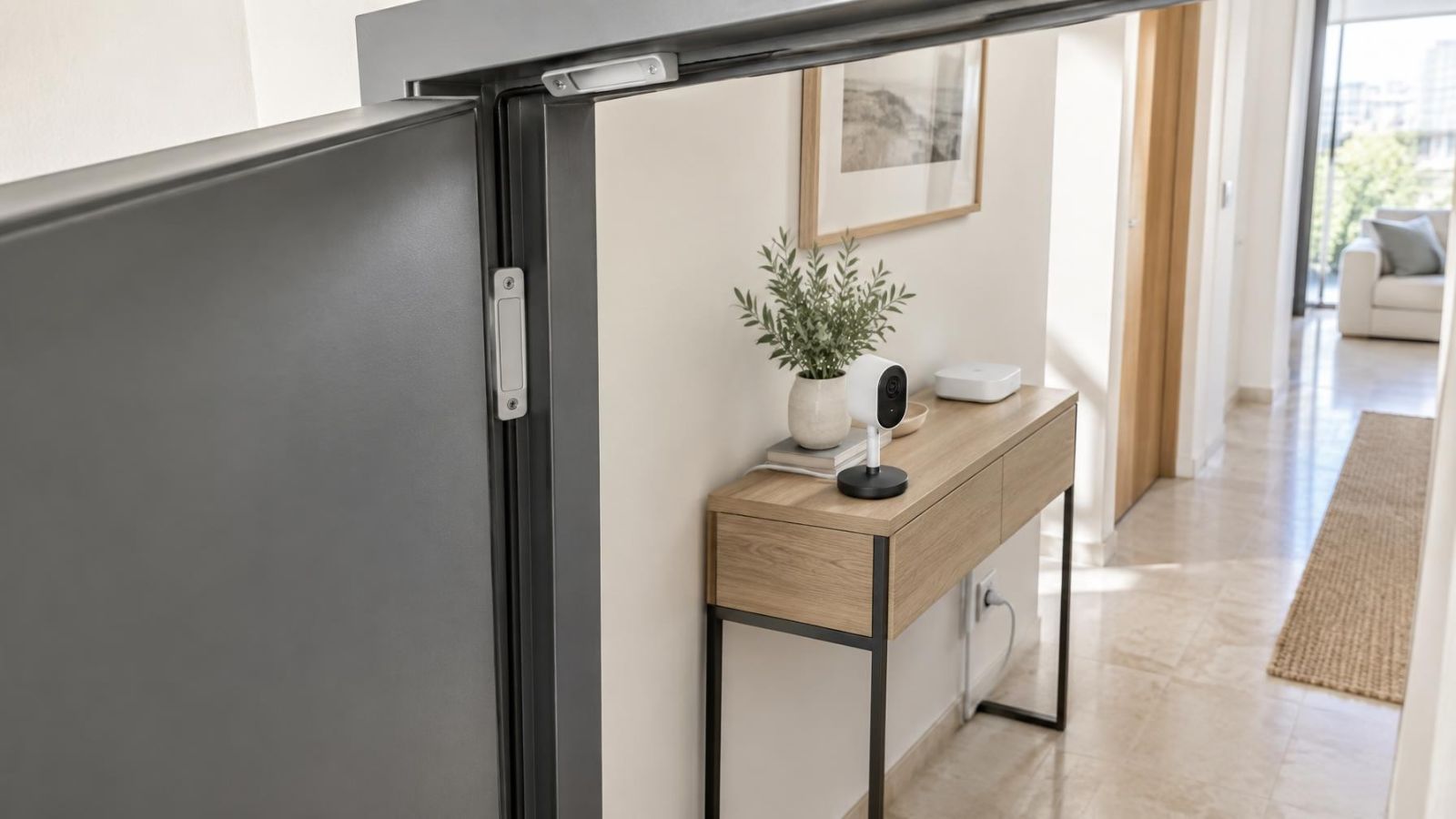
- Door contact sensors: These can often be fitted with adhesive pads, provided the sensor and magnet remain aligned when the door or window closes. Narrow frames, sliding sections and uneven surfaces may require a different mounting method.
- Freestanding indoor cameras: A camera on a stable shelf or purpose-made stand can cover an entrance or room without being attached to the wall. The base must resist ordinary knocks, cleaning and cable movement.
- Portable local recording: Recording may be stored inside a camera or on a compact NVR (network video recorder). Portability is useful only if the recorder, storage, power supplies and access credentials are kept together and can be configured again after a move.
Adhesive mounting is not automatically harmless. The bond depends on surface condition, cleanliness and finish. A pad may release early from dusty plaster yet grip fragile paint strongly enough to remove it later. Heat from a sunny wall, coastal humidity and repeated movement of a door can also affect the mounting over time.
Portable equipment also needs a defined field of view. A camera that is moved to reach a power socket may no longer show the doorway clearly. After any relocation, check the live view, recorded view, night vision, motion detection area and time settings. Portability makes repositioning possible; it does not make repositioning automatic.
Where Permanent Installation Performs Better
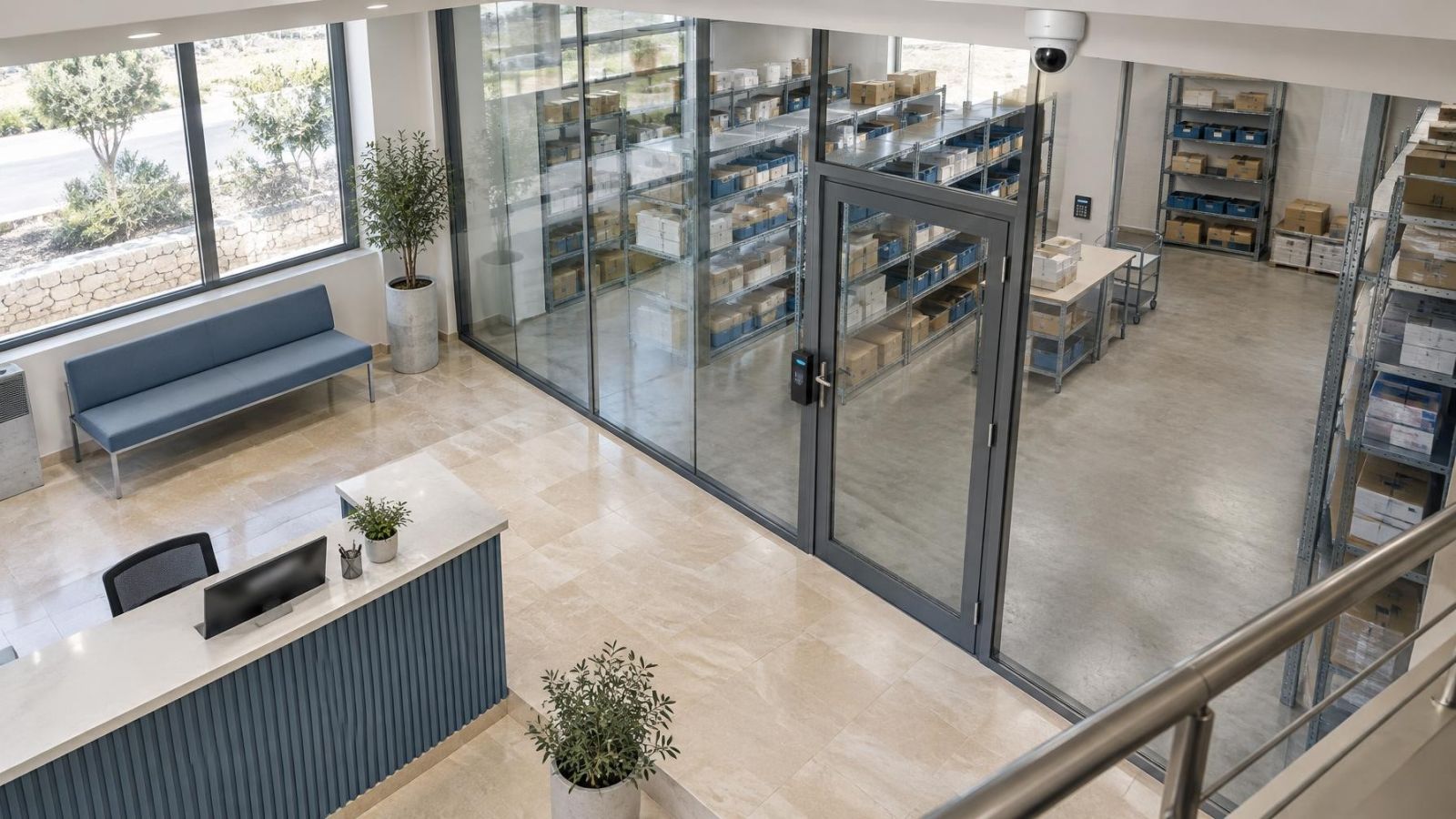
A fixed installation performs better where the view must remain consistent. Cameras covering a private gate, garden path, shopfront or stock area should not shift whenever furniture moves or a power cable is touched. A rigid bracket maintains the selected angle and makes accidental repositioning less likely.
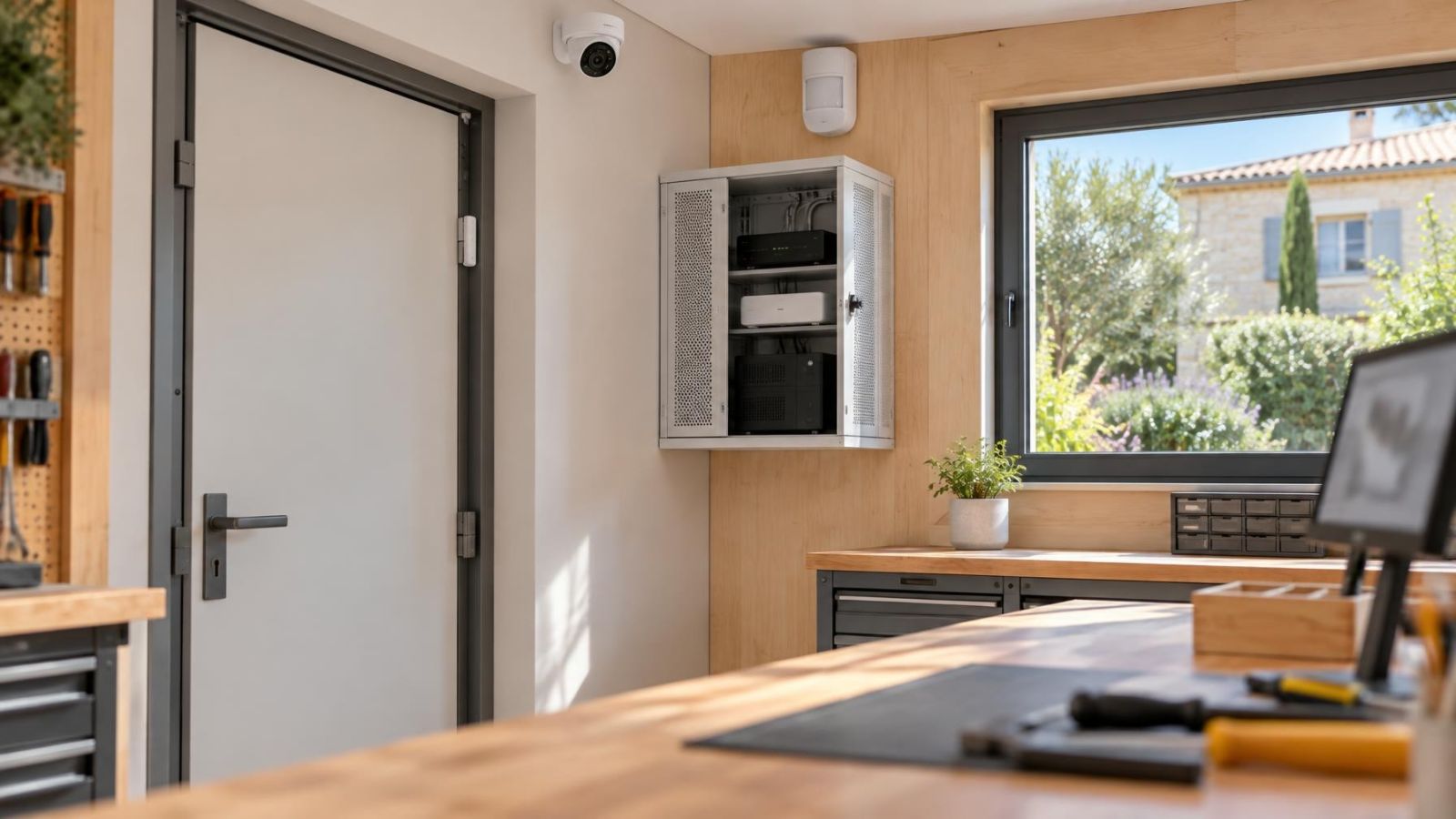
Protected cabling is another advantage. PoE (power over Ethernet) can carry power and data to a compatible camera through one network cable. When that cable runs through a wall, ceiling space or suitable protective channel, it is less exposed to unplugging, crushing and casual interference. Central cabling also makes it easier to place the NVR and network equipment in a controlled location.
Outdoor positions in Israel are demanding. Direct sunlight can heat exposed equipment and create difficult contrast. Dust collects on lenses and housings. Coastal air adds humidity. A permanent mounting point allows the installer to choose the angle, provide suitable physical support, protect cable entries and leave sensible access for cleaning.
Image conditions matter as much as mounting strength. A camera inside a darker shop that faces a bright street may lose useful detail around the entrance. WDR (wide dynamic range) can help the camera handle bright and dark areas in the same view, but position remains important. Moving the camera away from direct glare or adjusting its angle can be more useful than relying on image processing alone.
Fixed infrastructure also supports cleaner integration. Cameras, alarm devices, network equipment and battery backup can be planned as one system rather than as separate devices competing for sockets. In properties with a mamad, reinforced construction can make radio coverage less predictable, so wireless links should be tested from their actual positions. A cable may be the cleaner answer for a critical connection.
Can Security Work Without Drilling?
Can You Have Security Without Drilling?
Yes, security without drilling can work well indoors when the devices, surfaces and cable routes suit it. Freestanding cameras, plug-in alarm panels and adhesive-mounted contacts can cover many everyday requirements. The limits become clearer outdoors, above walkways, on weak finishes or wherever a device could fall, shift or be easily reached.
For adhesive mounting, the surface should be sound, clean and dry. Dust and cleaning residue weaken the bond. Textured walls reduce the contact area. Fresh, flaking or chalky paint may separate from the wall even when the adhesive itself remains attached. A removable strip is only as dependable as the layer beneath it.
Temperature and humidity also matter. A mount near a sun-heated window can experience more heat than the room air suggests. Humid coastal conditions can affect some surfaces and adhesives. Inspect the mounting periodically rather than treating it as permanent simply because it has held so far.
Power cables need their own plan. A freestanding device is not genuinely convenient if its lead crosses a doorway or hangs where it can be pulled. Use stable furniture positions, suitable cable guides and nearby sockets. Leave enough slack for safe connection, but not so much that a loop can catch on cleaning equipment, pets or moving furniture.
Avoid adhesive-only mounting where a falling camera or alarm component could strike someone or damage property. Also consider tampering and ordinary handling. A low-mounted device may be easy to reach, while a high adhesive mount may be difficult to inspect. No-drill installation is a design option, not a rule that should override secure physical support.
Plan for Daily Use and Moving
A system should be planned around what happens on an ordinary day. Household members or staff need a clear way to arm and disarm the alarm, respond to low-battery warnings and find recordings. If the procedure is awkward, devices may be unplugged, doors may be left outside the armed area, or notifications may be ignored.
Wireless does not describe the whole operating path. A camera may use Wi-Fi for data but need continuous mains power. An alarm detector may use a battery but depend on a powered control panel. Remote viewing may depend on the internet connection even when local recording does not.
If cameras and the recorder remain powered, local recording can continue during an internet outage even though remote viewing is unavailable. Confirm this behaviour during planning rather than assuming it. Some devices rely heavily on an external service, while an NVR-based design can keep the recording path inside the property. Access after the connection returns should also be tested.
Battery backup should cover the equipment that matters to the recording or alarm path, not just one visible device. Consider the recorder, network switch, router and alarm control equipment. Backup power has limited operating time and requires maintenance, so the design should define priorities rather than connecting every nearby device without thought.
Remote property owners need a practical local routine as well. Someone on site may need to restart equipment, clean a lens or confirm that a door contact remains aligned. Access credentials should be controlled, and the person helping locally should not need full administrative access simply to perform a basic check.
Moving requires more than putting devices in a box. A useful removal sequence is:
- Export any recordings that must be retained and confirm how local storage will be accessed after disconnection.
- Label cameras, sensors, power supplies, stands and cables so each set remains together.
- Remove equipment using the method intended for its bracket or adhesive rather than pulling it directly from the surface.
- Record the original position and configuration if the equipment may later return to the same property.
- At the new property, reassess every view, wireless link, network setting and detector position before relying on normal operation.
Choose Permanent, Reversible, or Hybrid
The right design depends on the property rather than the tenancy label alone. A short-term apartment with changing room layouts usually benefits from portable indoor equipment. A rented shop with a fixed entrance, exposed frontage and stable counter position may justify permanent cabling at selected points. A private rented home may need fixed coverage at the gate while keeping indoor devices removable.
| Design | Best suited to | Main strength | Main limitation |
|---|---|---|---|
| Reversible | Changing rooms and indoor positions | Easy removal and reuse | Requires retesting after movement |
| Permanent | Stable views, gates and exposed areas | Protected infrastructure and consistent positioning | Needs agreed surface and cabling changes |
| Hybrid | Properties with fixed critical points and flexible interiors | Balances stability with portability | Requires a clear boundary between fixed and removable equipment |
A hybrid design is often the most practical answer. Fixed cameras can cover the gate, main entrance or shopfront. Protected cabling can serve the recorder and network equipment. Removable indoor cameras and wireless alarm components can then follow changes in furniture, staff use or room function.
Decide responsibilities before installation. Record who provides the internet connection, who replaces batteries, who can access recordings and who approves changes in shared areas. Also identify which equipment belongs to the tenant, which belongs to the property owner and which items are intended to remain in place.
Fix the infrastructure that must stay dependable, and keep the equipment that may need to move genuinely portable.
Finish with a written equipment and removal plan. It should list device locations, mounting methods, power sources, recording locations and any restoration work expected at the end of the tenancy. Include login ownership and configuration notes, but store credentials securely rather than placing passwords in the general document. A clear plan turns permanent versus reversible from an abstract choice into a manageable property decision.
Key takeaways
- Reversible equipment suits changing interiors and can be removed more easily when the occupant moves.
- A fixed installation provides stable camera positions and better protection for power and data cabling.
- Adhesive mounting depends on the surface and should not be assumed to be secure or damage-free.
- A hybrid design can place fixed equipment at critical points while keeping indoor coverage flexible.
- Power, recording and internet-loss behaviour matter more than whether equipment is described as wireless.