On this page
Security cameras, an intrusion alarm, door contacts, motion detectors, a gate intercom and a video recorder all answer different questions. When choosing security system layers, the useful question is not how much equipment can be added. It is which combination fits the property’s entry points, layout, routines and response plan. The answer is usually a small set of complementary layers rather than one device expected to do every job.
Choosing Security System Layers: Start With Each Job
What does layered home security include?
A layered system separates three basic functions: observation, detection and access control. A security camera shows what is happening and creates recorded context. An alarm detector identifies a defined event, such as a protected door opening or movement inside an area. Access control, including an intercom or controlled gate, helps someone decide who may enter.
These functions can work together, but they are not interchangeable. A camera may support motion detection and notifications, yet it does not perform the same job as a door contact or a properly positioned alarm detector. Likewise, an alarm alert does not necessarily explain who entered, which direction they travelled or whether the activation came from an expected visitor.
The timing also differs. Outdoor detection can provide earlier awareness while someone is still approaching. Indoor detection confirms movement after entry into a protected area. Video recording provides evidence and context before, during and after an event, depending on camera coverage and recording settings. Immediate awareness and later review are separate requirements.
Every alert needs a response behind it. Decide whether a notification will be checked through live video, handled by someone on site, sent to a designated property manager or simply stored for later review. If nobody knows who should check an alert, adding more notifications usually creates noise rather than useful information.
Do You Need Cameras or an Alarm?
Do you need a camera or alarm system?
Choose cameras when the main requirement is live viewing, recorded context or visual confirmation. They are useful at entrances, gates, parking approaches, delivery points and business counters. A suitable video recorder keeps footage available for review without making the system dependent on somebody noticing a live view at the right moment.
Choose an intrusion alarm when the main requirement is a prompt alert from defined entry points or internal routes. Door contacts detect the opening of protected doors or windows. Motion detectors respond to movement within an area. The two are often paired because they observe different events: one monitors an opening, while the other monitors movement after access.
For many properties, the practical answer to the camera or alarm system question is both, used selectively. An alarm can provide the initial notification. A nearby camera can then help the recipient check whether the cause is a family member, employee, delivery, animal or something requiring attention. This is verification, not duplication.
Relying only on cameras assumes that video motion detection, recording or active viewing will cover every important event. Relying only on an alarm provides less visual context when an alert arrives. Neither limitation makes either system poor. It simply means the system should be selected for a defined job rather than treated as a complete solution by default.
Map the Property Before Choosing Equipment
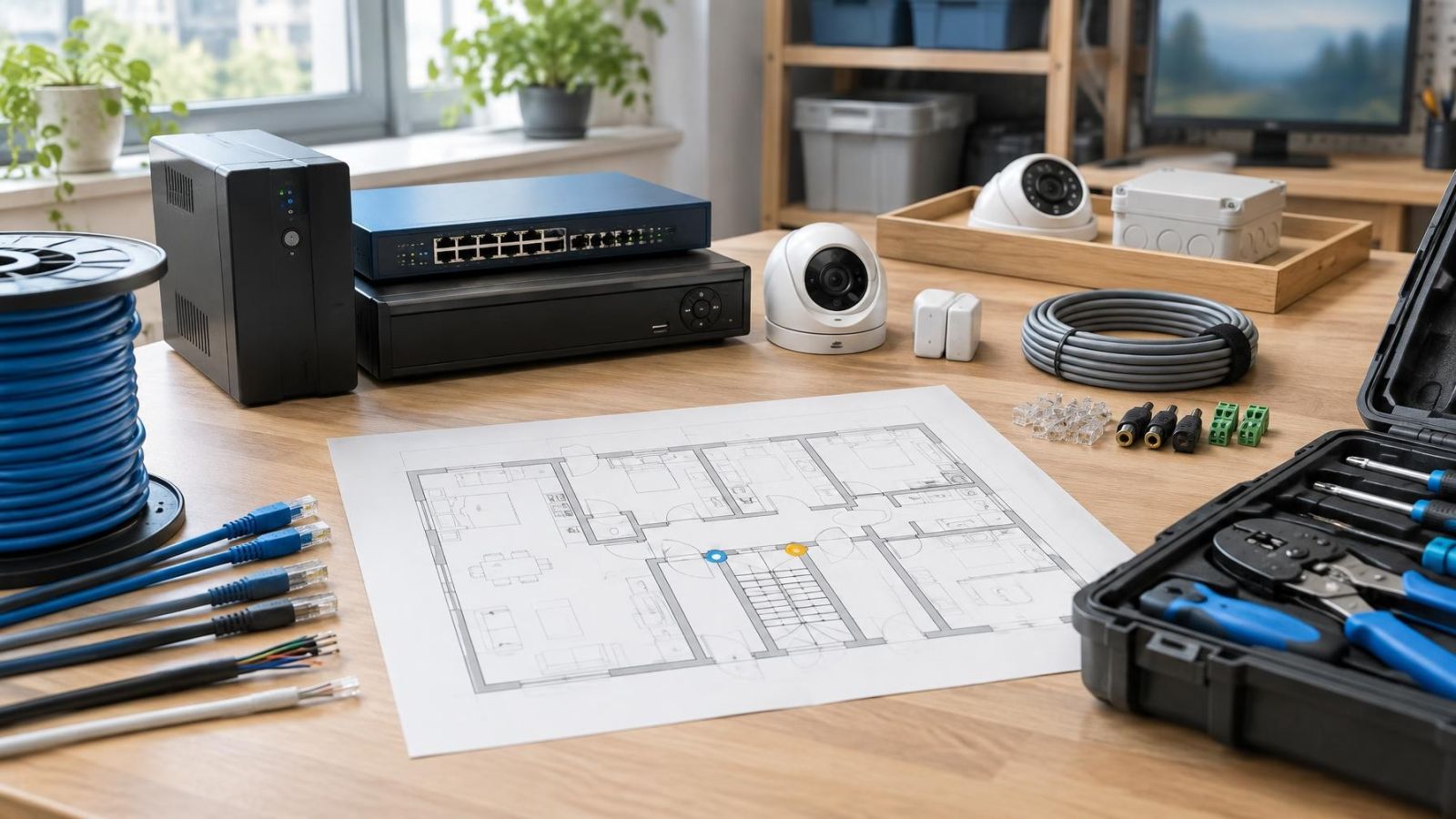
Begin with a simple floor plan. Mark every normal entrance, accessible window, balcony connection, garden gate, rear door and street-facing opening. Then mark the routes people usually follow after entering. This exercise often changes the equipment list because a device placed on a useful route can be more valuable than several devices spread without a clear purpose.
Separate private areas from shared ones. In an Israeli apartment building, the apartment door belongs to the private security plan, while the lobby, lift area, stairwell and shared entrance involve the building and the va’ad bayit. Camera views, intercom changes and entry equipment in common areas require coordination with the people who manage and use those spaces.
Add daily routines to the drawing. Note when children return, whether a cleaner or carer enters regularly, where pets move, and which doors remain open while the home is occupied. Include the mamad as a normal part of the floor plan. Its position may affect circulation routes, wireless communication and where occupants spend time, but it should not be treated as an automatically suitable equipment location.
For a small business, map opening, closing and delivery patterns. A street-front entrance may need observation during trading hours, while a rear door or stock area may matter more after closing. Staff routes, shutters, delivery access and shared service corridors can each require a different combination of recording, detection and controlled entry.
Which Layers Suit Your Property Type?
Which security layers suit an apartment?
An apartment usually starts with the private front door and any opening that is realistically accessible from a balcony, roof, garden level or adjoining area. A door contact provides a clear opening event. A camera inside the apartment can view the entrance route without covering bedrooms or routine private activity. Internal motion detection can cover a useful circulation point when the apartment is unoccupied.
The shared lobby is a separate decision. A building entrance camera provides observation and recording. An intercom supports visitor identification and an access decision. One does not replace the other. Remote owners should also confirm who can retrieve recordings, answer calls and handle equipment faults in the common area.
Which security layers suit a home with a garden?
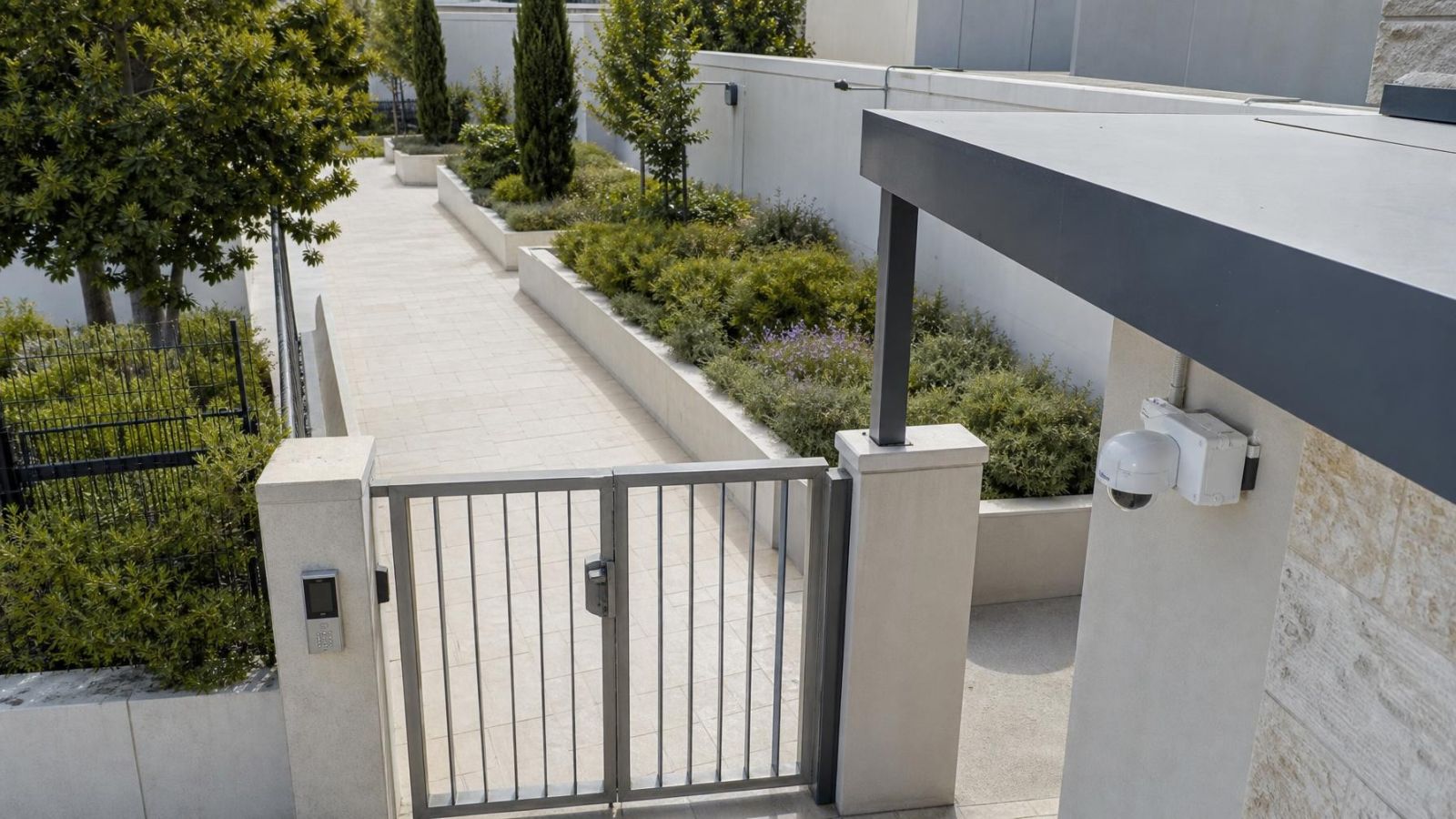
A private home has a longer approach to manage. The gate may use an intercom for visitor contact, while cameras observe the gate, path, parking area and main doors. Outdoor detection can provide earlier awareness, but it needs stable fields of view away from moving branches, reflective surfaces and routine animal paths. Door contacts and indoor motion detectors then provide confirmation closer to or inside the building.
Avoid trying to watch the entire garden equally. Prioritise the routes that connect the boundary to doors, accessible windows and side passages. A wide decorative garden view may be pleasant on a monitor but weak for identifying activity at a specific approach.
A street-front shop generally benefits from coverage of the customer entrance, service counter, stock route and rear access. Recording needs during opening hours differ from intrusion alerts after closing. Cameras can explain movement and transactions, while contacts and detectors provide defined alarm events when the premises are meant to be empty.
For a remotely managed property, design around the person receiving information. Live viewing, recorded playback and remote alerts are only useful if connectivity is dependable and somebody has authority to respond. Keep local recording where continued footage matters during an internet interruption, and make routine checks simple enough for a caretaker or property manager to perform.
Compare the Main Security Layers
How should you compare security systems?
A useful security system comparison asks what each layer notices, where it works best and what the recipient can do with its output. Comparing only feature lists hides the practical differences.
| Layer | Primary job | Best placement | Main limitation |
|---|---|---|---|
| Door contact | Detects a protected opening | Selected doors and accessible windows | No information about movement elsewhere |
| Indoor motion detector | Detects movement within an area | Stable internal routes and circulation spaces | Affected by poor positioning and active occupancy |
| Outdoor detector | Provides earlier approach awareness | Defined paths away from unstable vegetation | More exposed to animals, plants and weather |
| Security camera | Provides live and recorded visual context | Entrances, approaches and activity zones | Needs a useful angle, light and recording plan |
| Gate intercom | Supports visitor identification and access decisions | Private gates or coordinated shared entrances | Does not replace wider observation or recording |
Door contacts are precise because they supervise a defined opening. They are a strong first layer for a main door, rear door or accessible window. They do not reveal what happens if somebody is already inside, which is where internal motion detection can add value.
Motion detectors work best when they cover routes people must cross, rather than broad areas chosen only because there is an empty wall for mounting. In occupied homes, the arming plan matters as much as placement. A detector that conflicts with normal night-time movement, pets or regular household access is less likely to be used consistently.
Outdoor detectors require more restraint. A narrow, meaningful approach is generally easier to manage than a large field containing trees, laundry, reflective vehicles or frequent animal movement. Earlier awareness is useful only when alerts remain understandable and there is a clear way to verify them.
Camera placement should favour faces, entrances and travel routes rather than bright sky. At a gate or doorway, the useful scene is the person and the approach, not a panoramic view dominated by sunlight. A gate intercom adds conversation and an access decision; a camera adds observation and recording. Combining them can provide a clearer workflow without confusing their roles.
Account for Israeli Site Conditions
Strong sunlight and deep shade often exist in the same Israeli entrance scene. A camera facing from a shaded lobby towards a bright street needs careful exposure handling. WDR (wide dynamic range) can help with contrast, but it cannot rescue a view aimed badly. Adjusting the angle to reduce bright sky and direct glare is usually the first step.
Infrared supports night vision, but nearby walls, soffits, leaves and pale surfaces can reflect IR back into the lens. The result may be a bright foreground and a dark approach. Night placement should therefore be checked with the actual architecture and garden planting, not only on a daytime screen.
Dust gradually softens images and can make night reflections worse. Outdoor lenses, covers and housings need reachable cleaning positions. Near the coast, humidity and exposed connections deserve particular attention. Sheltered cable joints and appropriate outdoor housings matter more than a tidy specification sheet if the installation point is open to weather.
Power and network design affect whether recording and remote access remain dependable. PoE (power over Ethernet) can simplify camera cabling by carrying network data and power over one cable. An NVR (network video recorder) can continue local recording without relying on continuous remote viewing, provided the camera network and recorder have suitable power support. Where a business network carries other critical traffic, a separate VLAN can make management clearer.
False alerts usually come from ordinary movement: pets, plants, shadows, insects close to a lens, passing headlights or people using an expected route. Placement should remove avoidable triggers before software sensitivity is adjusted. Reducing sensitivity alone can also hide movement the system was meant to notice.
Choose a Layered System You Can Manage
Start with priority entry points and blind spots. The main door, gate, rear access or stock entrance usually deserves attention before secondary areas. For each location, write down the required behaviour: record the approach, detect an opening, detect movement, allow a visitor conversation or send an alert. This keeps the design tied to use rather than device count.
Next, define recordings and notifications. Decide which cameras record continuously, which record around detected activity and how long routine retrieval should take. Decide which alarm events need an immediate notification and which camera alerts are useful enough to keep enabled. A system that sends every possible message can become difficult to supervise.
Assign responsibility by name or role. A resident, employee, remote owner, caretaker or property manager should know which alerts they receive, how they check video and what action is expected. Include periods when the usual recipient is travelling, unavailable or working in a different time zone.
Daily operation should remain simple. Users need clear arming choices, understandable camera names and fast access to the correct entrance view. Equipment also needs physical access for lens cleaning, connection checks and recorder maintenance. A recorder hidden so thoroughly that nobody can service it is not well placed.
Separate essential layers from optional additions. Essential equipment covers priority entry points, required detection, useful video and the response path. Optional equipment may improve convenience, provide a second view or extend awareness to a lower-priority area. The distinction makes future additions easier without weakening the original plan.
The right design is not the system with the most layers. It is the system whose layers have distinct jobs, cover the property’s real routes and produce information that somebody can act on.
Key takeaways
- Each security layer should be matched to a defined job: observation, detection or access control.
- Security cameras provide visual context, while door contacts and motion detectors provide defined alarm events.
- Property layout, entry points and daily routines should determine equipment placement.
- Alert recipients and response steps are part of the system design, not an afterthought.
- Outdoor equipment should be selected and positioned for the site’s sunlight, shade, dust, humidity and routine movement.