On this page
A security camera changes to a pink or purple image when the infrared cut filter no longer keeps unwanted infrared away from the image sensor. In a typical IR for camera system, infrared LEDs support night vision while day-night mode controls when the filter moves. The question is whether the colour cast comes from that moving filter, a configuration error, unstable power or infrared reflecting into only part of the scene.
What a pink image means for IR for camera systems
Digital image sensors respond to more than visible light. They can also detect nearby infrared wavelengths, including infrared present in daylight and light produced by the camera’s own illuminator. That sensitivity is useful after dark. During normal daytime colour imaging, however, the extra infrared distorts the relationship between the red, green and blue channels.
The result may be magenta, purple, pink or an unnatural grey-brown. Green foliage can look especially strange, while neutral walls and clothing may acquire a strong colour cast. The precise appearance varies with the sensor, processing and light source, so colour alone cannot prove which component has failed.
A normal night image is different. Many day-night cameras deliberately switch to monochrome after dark because separating visible colours is unreliable when most illumination comes from infrared LEDs. A clear black-and-white night image is therefore expected behaviour. A persistent pink daytime image is not the same thing.
Also consider how much of the frame is affected. A stuck or absent filter commonly changes colour across the whole image. Infrared reflecting from a nearby wall, roof edge, window, dirty cover or object close to the lens usually creates a local haze, bright patch or washed-out area instead. The boundary may be soft, but the effect is rarely an even full-frame cast.
- An even daytime cast points towards infrared reaching the sensor during colour mode.
- A bright patch near one edge points more strongly towards a nearby reflective surface.
- A pale ring or central haze can come from infrared reflecting inside a dirty or poorly seated lens cover.
- A normal monochrome image after dark usually means night mode is operating as intended.
How the day-night filter works
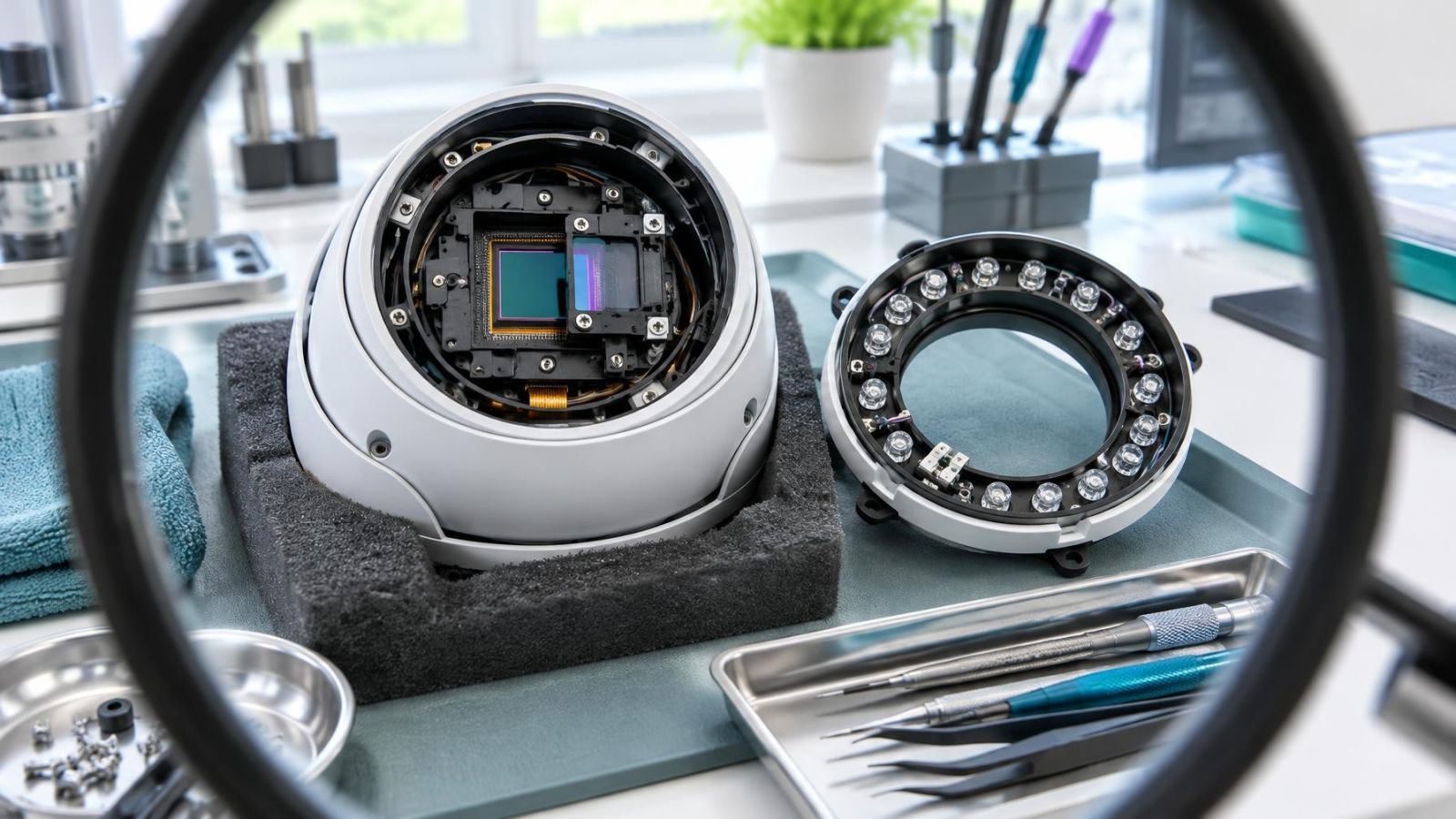
The infrared cut filter is a small optical element positioned in front of the image sensor. In daylight, it blocks much of the infrared that would otherwise interfere with accurate colour reproduction. It is not a software effect. It is a physical part of the optical path, sometimes described more generally as a digital camera filter even though its movement is mechanical.
When the camera changes to night mode, a small actuator moves the filter away from the sensor. The sensor can then use infrared energy for low-light imaging. If the scene is dark enough, the camera may also switch on its infrared LEDs and change the processed image to monochrome.
When daylight returns, the sequence reverses. The infrared LEDs turn off, colour processing resumes and the filter moves back into place. Automatic switching is commonly triggered by the light level measured by the camera, although some systems also allow a schedule or manual mode.
The actuator often makes a quiet click during the transition. Hearing a click can confirm that the camera attempted to switch, but it does not prove that the filter completed its movement. A weak actuator, obstructed mechanism or interrupted transition may make a sound while leaving the filter between positions.
Why does the filter get stuck?
Mechanical and environmental causes
The filter assembly is small, and its movement has to be precise. Internal wear can increase resistance until the actuator no longer moves the filter reliably. A mechanism may stall at one end of its travel or stop between the day and night positions. Repeated clicking, delayed colour changes or a fault that appears only on some transitions all support this explanation.
Temperature changes can expose a marginal mechanism. Heat can alter clearances inside the assembly, while damp can affect internal parts if the housing or seals no longer protect them. Dust outside the camera does not usually jam an internal filter directly, but contamination inside a damaged or opened housing may interfere with movement.
A transition can also be interrupted. If the camera loses power just as it changes mode, the mechanism may be left in an unexpected position. The next start may correct it, or the camera may continue operating with the filter misplaced.
Power and control causes
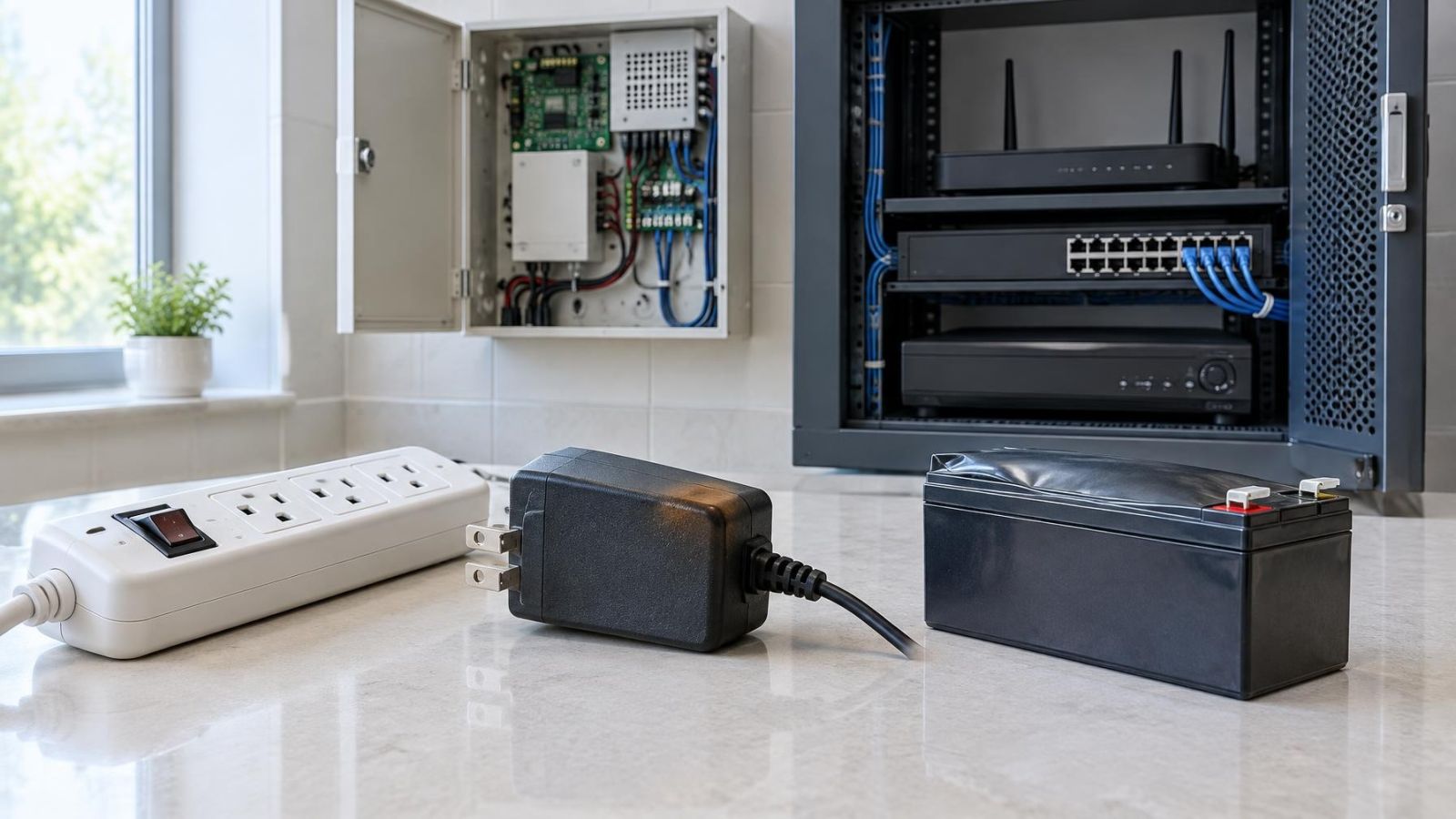
The filter needs a brief, controlled electrical drive to move. An unstable power supply, a poor connector or excessive loss along a cable can allow the camera to stream video while failing during the switching event. The same applies to PoE (power over Ethernet): a camera can appear generally functional even when the available power is not stable under changing load.
Control software or firmware can also command the wrong state, fail to complete the transition or disagree with the selected day-night mode. That possibility becomes more likely when the image changed immediately after configuration work, a restart or an interrupted update. It remains important to rule out settings before assuming that the actuator itself is defective.
Could settings cause purple colours?
Day-night mode and colour controls
Yes. A camera forced into night mode may withdraw the filter even in bright conditions. Depending on its processing options, it may then produce monochrome video or an unnatural colour image. A camera forced into day mode has the opposite problem after dark: the filter remains in place, reducing the infrared energy available to the sensor.
White balance can imitate part of a filter fault. An incorrect fixed setting may shift neutral surfaces towards pink, blue or green. High colour saturation can make that error look more severe. These adjustments do not physically admit infrared, but the visible result can be similar enough to cause confusion.
Start by looking for recent configuration changes. Check whether day-night operation is automatic, forced or scheduled. Then return white balance, hue and saturation to known neutral or automatic values. Change one setting at a time. If several controls are changed together, it becomes difficult to identify which one mattered.
Exposure and unusual lighting
Exposure settings can strengthen a colour cast without creating its underlying cause. Long exposure, high sensor gain or strong backlighting can exaggerate contamination from infrared or a poor white-balance choice. WDR (wide dynamic range) processing may also make different parts of a difficult scene look unlike each other.
Artificial light deserves a separate check. Some lamps have an unusual spectral output, and illuminated signs can flood a scene with one visible colour. If the cast appears only under a particular light source, compare the same view in ordinary daylight before investigating the filter mechanism.
Test the camera methodically
A useful diagnosis separates optical, electrical and configuration causes. Avoid starting with a full reset. A reset can remove evidence such as schedules, image controls and network settings, while leaving a mechanical problem unchanged.
- Observe the same fixed surfaces in daylight and after dark. Record whether the whole frame changes, whether the camera becomes monochrome and whether the infrared LEDs activate.
- Compare the live view with recorded video from the NVR (network video recorder), DVR or VMS (video management software). If recordings look normal but one display looks purple, investigate that viewing path rather than the camera optics.
- Review day-night mode, schedules, white balance, saturation, hue, exposure and WDR. Note the current values before changing anything, then test one adjustment at a time.
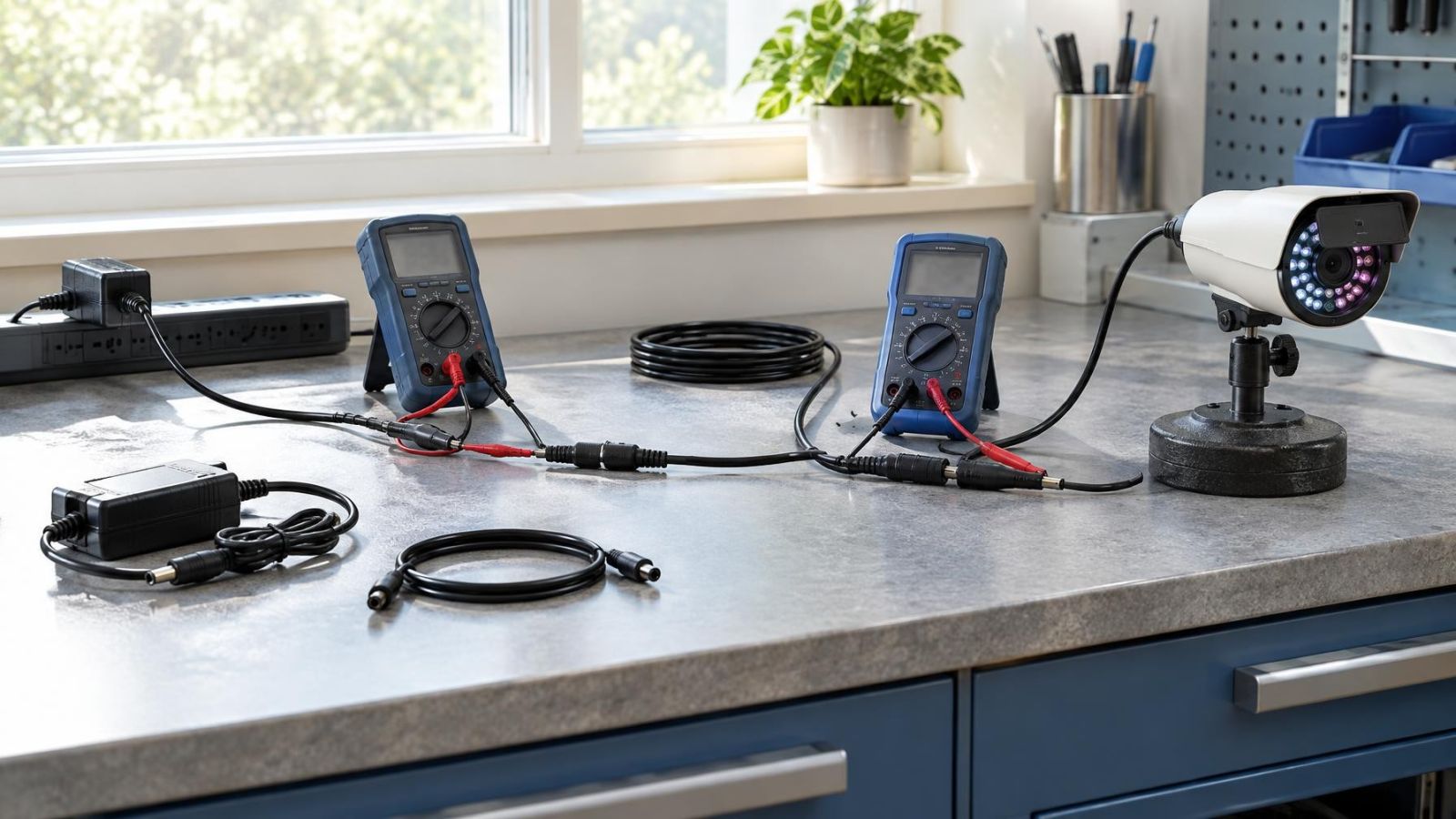
- Power the camera down fully and restart it from a known stable source. For PoE equipment, inspect the network plugs, cable terminations and power source rather than repeatedly rebooting through software.
- If the controls allow it, switch manually between day and night modes while watching the image and listening for the filter mechanism. Repeat the change in both directions because a mechanism can fail at only one end of its travel.
- Inspect the lens area, protective cover and nearby surfaces. Clean accessible exterior optical surfaces appropriately, then temporarily remove or shield close reflective objects to see whether a local flare disappears.
Manual switching is particularly informative. If the image changes correctly every time under manual control but fails in automatic mode, the light threshold, schedule or control logic deserves attention. If the camera reports a mode change while the image stays pink and the filter makes no reliable movement, an internal fault is more likely.
The live-view comparison is equally important. A colour problem visible in every recording and on every viewing device originates near the camera or in its configuration. A problem visible only on one monitor, application or output may come from display settings, decoding or the video path.
Decide whether repair is practical
If automatic day-night operation returns after correcting a mode, schedule or colour setting, no mechanical repair is indicated. Keep a record of the working configuration. A future unexplained change will then be easier to compare against a known baseline.
If the fault coincides with restarts, infrared LEDs switching on or other signs of unstable operation, correct the power path first. Check the power source, connectors and cable condition. Replacing an optical assembly will not solve a voltage drop or intermittent connection.
A power cycle may release a stalled filter. That is useful as a diagnostic result, but it is not a lasting repair when the colour cast returns. Repeated sticking points to unresolved wear, power instability or a control fault. The fact that a reboot works briefly should not end the investigation.
Internal hardware service may be reasonable when the camera is designed to be opened and the filter assembly is accessible. Many outdoor cameras use sealed optical assemblies, however. Opening them can disturb focus, alignment and moisture protection. For a sealed internal failure, replacing the camera is often more practical than attempting to replace a tiny actuator or filter mechanism.
Before a reset, service visit or replacement, preserve what can be preserved. Export the configuration where that option exists, or record the network details, stream settings, recording rules, day-night controls and image adjustments. Also capture a short example of the fault in daylight and darkness. That information helps distinguish a recurring camera fault from a new viewing or configuration problem.
A reboot that moves the filter once is evidence, not a repair. Reliable operation requires the camera to complete every day-night transition under normal power and lighting.
Key takeaways
- A full-frame pink or purple daytime image usually indicates that infrared light is reaching the image sensor during colour imaging.
- Separate daylight and darkness tests help distinguish a stuck infrared cut filter from reflections and unusual lighting.
- Day-night settings, white balance and stable power should be checked before treating the problem as an internal hardware failure.
- A power cycle may release a stalled filter, but repeated sticking means the underlying fault remains.