On this page
For an Israeli apartment or private home, the security package vs custom decision affects much more than the equipment list. A home security package may combine security cameras, alarm sensors and installation around a standard layout. A custom security design begins with a site survey and adapts those elements to the property. The question settled here is simple: when is the package genuinely suitable, and when does the site need individual planning?
Security Package vs Custom: What Does Each Approach Include?
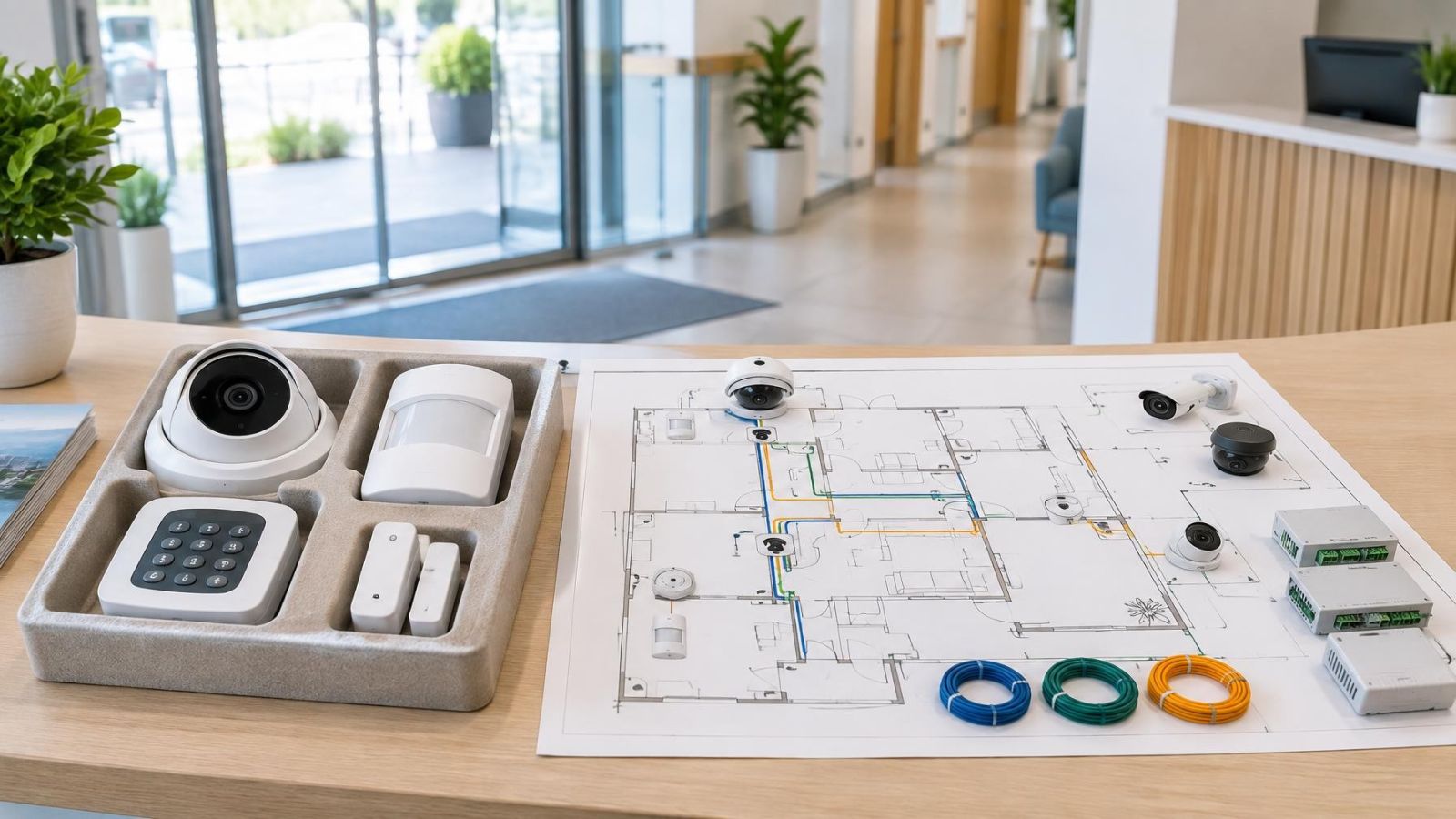
A security package starts with a predefined mix of equipment. It may specify a set of cameras, a video recorder, an alarm control panel, detectors and basic user controls. Installation is then planned around that selection. This gives the project a clear starting point, but it also carries assumptions about the number of entrances, the shape of the property, the available cable routes and the way occupants will use the system.
A site-specific approach reverses the order. The installer first defines the views, access points, operating routines and infrastructure. Equipment is selected afterwards. One entrance may need a camera that handles strong backlight. A side passage may need a narrower view. A garden gate may require both video and an intercom connection. The design follows the work each device must perform.
| Decision area | Preselected package | Site-specific design |
|---|---|---|
| Equipment | Chosen in advance as a standard mix | Chosen after reviewing each location and function |
| Placement | Adapted from a typical layout | Documented around actual views, openings and movement routes |
| Installation | Usually based on straightforward cable, power and signal conditions | Includes planning for difficult routes, mixed connections and equipment locations |
| Configuration | Uses broadly suitable settings and user access | Reflects household or staff roles, schedules and notification needs |
| Expansion | Best when later changes are limited | Can reserve recorder capacity, network connections, power and cable routes |
Neither label guarantees a better system. A carefully matched package can be cleaner than an unnecessarily elaborate design. A custom plan earns its value when it resolves real differences in the property rather than merely increasing the equipment count.
Start With the Property
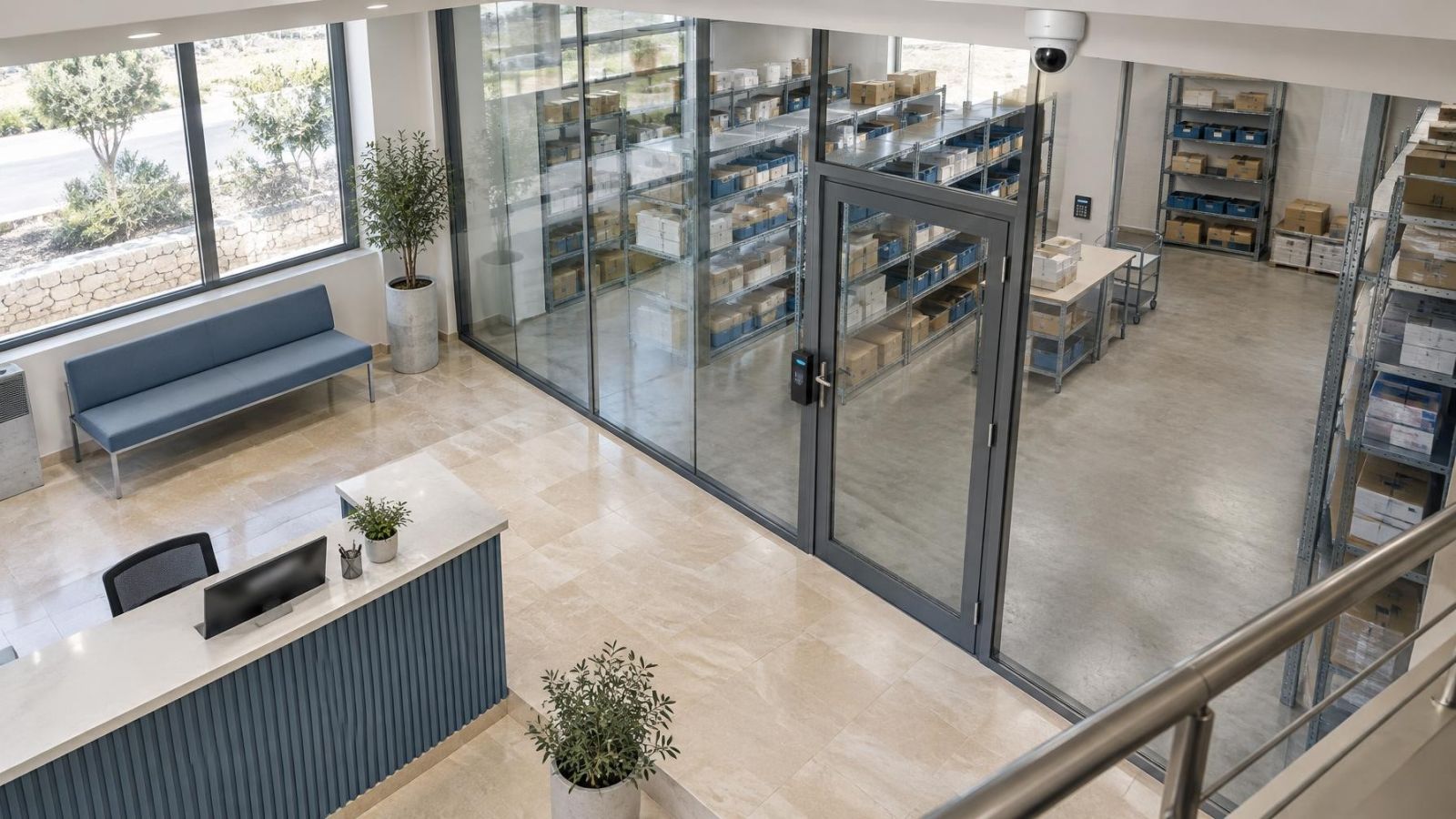
The building type changes the design immediately. An apartment may have one private entrance, a balcony and an internal corridor, while the lobby, stairwell and parking area are shared. A private home may add a garden, pedestrian gate, vehicle entrance, roof access and several external doors. A street-facing shop has another pattern: public frontage, staff access, a sales or work area and periods when the premises are closed.
In an apartment building, equipment in shared areas usually requires practical coordination with the va'ad bayit, the residents’ building committee. Before installation, clarify where equipment can be mounted, how cables will travel, who can access recordings and who will handle maintenance. A private system should not be designed as though the shared entrance automatically belongs to the apartment.
The mamad, or safe room, also deserves attention. Its construction can make a wireless signal path less predictable than it appears on a floor plan. A control panel, wireless receiver, network access point or intercom component placed on the wrong side of the room may communicate poorly with devices elsewhere. The answer may be a wired route, a different equipment location or a mixed design. It should be decided before walls are drilled and furniture is returned.
Outdoor conditions matter as well. A shaded entrance looking towards strong Israeli sunlight can produce a bright background and a dark face. WDR (wide dynamic range) can help a camera retain useful detail across that contrast, but camera direction remains important. Dust collects on lenses and housings. Coastal humidity makes exposed connections and mounting details more important. Maintenance access should be planned rather than treated as an afterthought.
Where Packages Work Well
When Is a Home Security Package Enough?
A package is often enough when the property has a simple, predictable layout and the required coverage is already clear. A small apartment with one entrance and uncomplicated internal circulation may not need a fully bespoke infrastructure plan. The same can apply to a compact business where the entrance, main working area and recorder location are easy to define.
- The included cameras suit the required indoor or outdoor views and lighting conditions.
- The alarm detectors match the openings, movement patterns, pets and environmental conditions.
- Cable routes, electrical power and network connectivity are available where needed.
- The proposed recorder or control panel has an accessible, appropriate location.
- The occupants need straightforward arming, viewing and notification arrangements.
- Little expansion or change in the property layout is expected.
The important test is not whether the package contains enough devices on paper. It is whether every included device has a useful location and every important area has the right form of coverage. Unused components do not improve the design, and a missing view cannot be corrected by pointing another camera in two directions at once.
When Does Custom Design Matter?
What Does Custom Security Design Change?
Custom planning matters when the site contains competing requirements. Irregular walls, recessed doors, deep balconies, narrow side passages and planting can create blind spots that are not obvious from a basic camera-count proposal. A camera that covers the gate may not capture useful detail at the front door. A wide overview of a shop may not provide the same information as a closer view of the entrance or service point.
It also matters when cameras, alarms and intercom functions must work as one practical system. The design should account for where a visitor calls, how the gate is released, which detector starts an alert, what cameras a user sees first and whether the same network carries other business or household traffic. Integration should simplify operation, not create a long chain of actions for routine entry and closing.
Cable routes are another common reason to plan individually. Finished apartments may have limited pathways between rooms. Private homes may need outdoor runs between the house and gate. A shop may need installation around ceilings, displays or working hours. Wired and wireless equipment can both be suitable, but the decision should be made location by location rather than for the entire property as a matter of principle.
Remote access also needs design. A remote property owner may need viewing access while a local caretaker needs only arming controls. In a business, an owner, manager and staff member may require different permissions. A VMS (video management software) or recorder interface can support defined user roles, but those roles must be configured and maintained. Shared passwords are simple initially and difficult to manage later.
Future plans can justify a custom security system even when the first installation is modest. A planned garden gate, additional work area, converted balcony or later camera can affect recorder capacity, network ports, cable pathways and power provision. Preparing sensible connection points is different from buying equipment before it has a purpose.
Compare the Design Decisions
The useful comparison is not package size against package size. It is how each proposal answers the main design decisions.
| Design decision | What to examine |
|---|---|
| Camera views | The area observed, the required image detail, mounting height, obstructions, light direction and night conditions |
| Alarm detection | Doors and windows, normal movement, pets, curtains, heat sources and exposed outdoor conditions |
| Equipment location | Access to the control panel and recorder, ventilation, network connection, power and protection from casual interference |
| Connection method | Available cable routes, wireless signal paths, reliability needs and the disruption involved in installation |
| Maintenance | Safe access for cleaning, testing, storage replacement and connection checks |
| Expansion | Spare network, recording, power and cable capacity for additions that are reasonably foreseeable |
Camera placement should begin with the view. An overview camera records activity across an area. A camera aimed at an entrance records people passing through a defined point. Those are different tasks even if both devices have the same resolution in pixels per frame. Viewpoint, lens selection, distance and lighting determine whether the recorded detail is useful.
For network cameras, PoE (power over Ethernet) can carry data and power through one network cable. It is often practical where a cable route exists. Wireless cameras still need dependable power unless they use a battery, and battery operation introduces charging or replacement into maintenance. A mixed system may therefore be the most sensible answer: wired where infrastructure is accessible, wireless where routing a cable would be disproportionately disruptive.
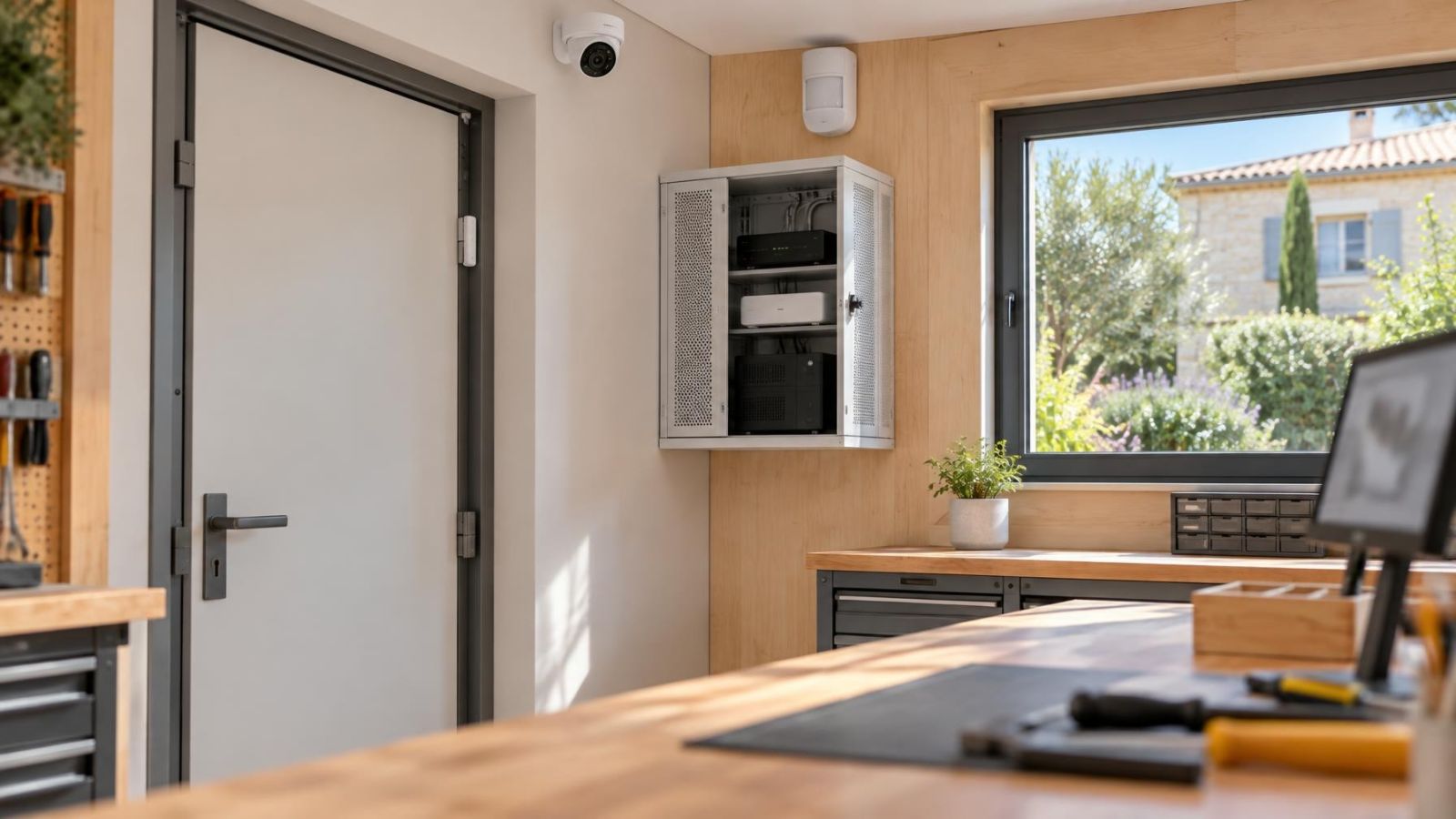
Recorder and control panel placement should balance access with discretion. An NVR (network video recorder) needs network connectivity, power, ventilation and enough physical access for service. An alarm panel needs reliable communication with its detectors and a practical route to keypads, sirens or network equipment. Hiding equipment where it cannot be inspected is not the same as protecting it from casual interference.
Look Beyond the Equipment List
An equipment list says what will be delivered. It does not fully explain what the system will show, how it will behave or how people will use it. A useful proposal should connect each important component to a location and purpose.
- Useful video: Each camera should have a defined scene and a reason for observing it, such as an entrance, gate, balcony approach or shopfront.
- Practical alerts: Motion detection and alarm notifications should reflect normal movement, opening routines and expected environmental activity.
- Simple operation: Household members or staff should know how to arm, disarm, view and review without navigating functions they do not use.
- Service access: Cameras, connections, power supplies, the control panel and the recorder should be reachable without unnecessary dismantling or disruption.
- Compatible expansion: Later additions should fit the recording, network, power and control architecture rather than operate as unrelated islands.
Alert quality depends heavily on configuration. A camera’s motion detection can react to changing light, moving plants or street activity if the detection area is too broad. An alarm motion detector has a different job and should be selected and placed around room use, pets and environmental conditions. Treating the two features as interchangeable creates confusing expectations.
A good design does not begin with the maximum amount of equipment. It begins with a precise description of what each location needs.
Choose After a Site Survey
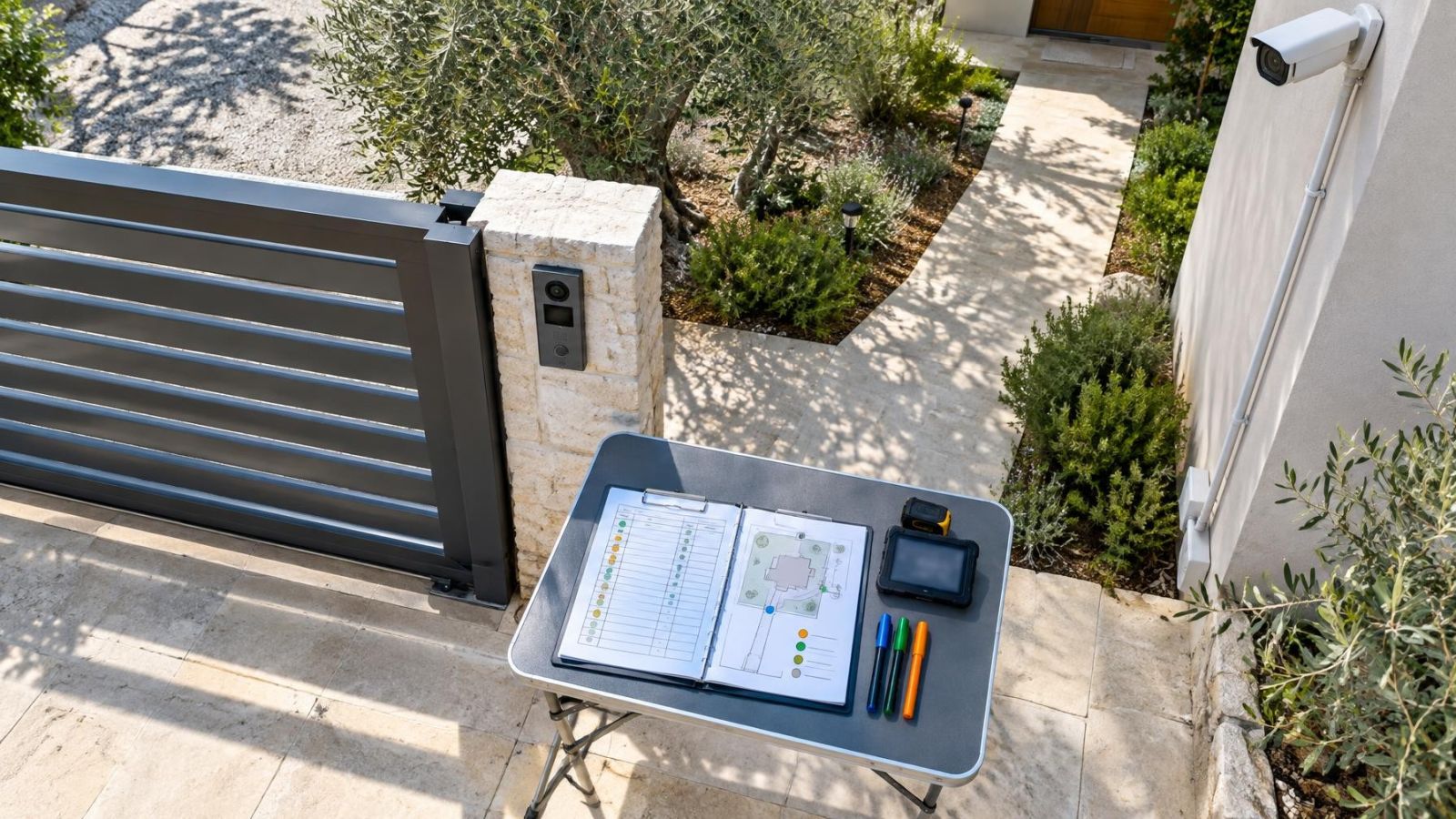
A site survey turns general preferences into installation decisions. It should be more than a quick count of rooms and doors. Walk through the property in the order people actually use it: arrival, entry, movement between areas, closing the business or house, and remote checking. This exposes practical issues that a floor plan may not show.
- Define the areas that need observation and state what each camera should record. Separate general overview from detail at entrances, gates or service points.
- List doors, windows and movement routes relevant to the alarm. Note pets, routine access and any areas that need independent arming.
- Inspect daylight direction, shaded entrances, external lighting and reflective surfaces. Check likely night conditions rather than assuming infrared illumination will suit every scene.
- Test network and wireless signal conditions at proposed device locations, including paths around the mamad. Identify realistic cable routes and power sources.
- Choose locations for the control panel, NVR and network equipment with operation, ventilation and maintenance in mind.
- Separate essential coverage from optional conveniences. Reserve sensible capacity for likely additions without building around speculative features.
- Request a documented placement plan showing device positions, intended views, connection methods and the main configuration responsibilities.
The survey may confirm that a standard package is entirely appropriate. It may also show that only one or two elements need changing, such as a different camera at a backlit entrance or a wired connection to the gate. Site-specific design does not have to mean a large or complicated system. It means the final design can explain why each component is there.
Choose the simplest proposal that answers the property’s actual priorities. If a package does that without awkward compromises, it is a sound choice. If the proposal depends on uncertain views, weak signal paths, improvised cable routes or unclear operating roles, complete the design work before installation begins.
Key takeaways
- A package suits a straightforward property only when its assumptions match the site.
- Custom design is primarily about placement, infrastructure and operation rather than adding more equipment.
- Useful camera coverage depends on the required view and image detail, not a generic camera count.
- A site survey should examine layout, lighting, connectivity, cable routes and likely expansion needs.
- The right choice is the simplest design that covers the property’s actual priorities.