On this page
At a front entrance, the choice between a video doorbell or fixed camera affects far more than appearance. It determines where faces are visible, whether visitors can speak to you, how footage reaches a local recorder, when mobile notifications arrive and whether a wired network is needed. The practical question is simple: do you mainly need interaction at the door, observation of the entrance, or two distinct views that handle both?
Video Doorbell or Fixed Camera?
Video doorbell vs camera: what is the practical difference?
A video doorbell is designed around the person who has already reached the entrance. Its button, microphone, speaker and camera work together. The typical sequence is a button press or motion detection, a mobile notification, live viewing and two-way audio. That makes it useful when the main purpose is to answer visitors, delivery workers or tradespeople.
A fixed security camera is designed around observation. It can be placed above the door, to one side, under a canopy or farther back along the approach. That freedom matters when the useful view includes a garden path, pedestrian gate, parking entrance, shop threshold or waiting area. A fixed camera can also be planned as part of a wider recording system rather than as a stand-alone device.
| Entrance need | Video doorbell | Fixed camera |
|---|---|---|
| Speaking with visitors | Central function, with button and two-way audio | Possible only when suitable audio hardware is included |
| Framing the approach | Restricted by the door or gate position | Flexible lens position and viewing direction |
| Mobile notifications | Usually central to daily use | Available when supported by the recorder, VMS or camera |
| Recording role | Often event-led | Well suited to event-led or continuous recording |
| Typical location | At hand level beside a door or gate | Placed according to the required overview |
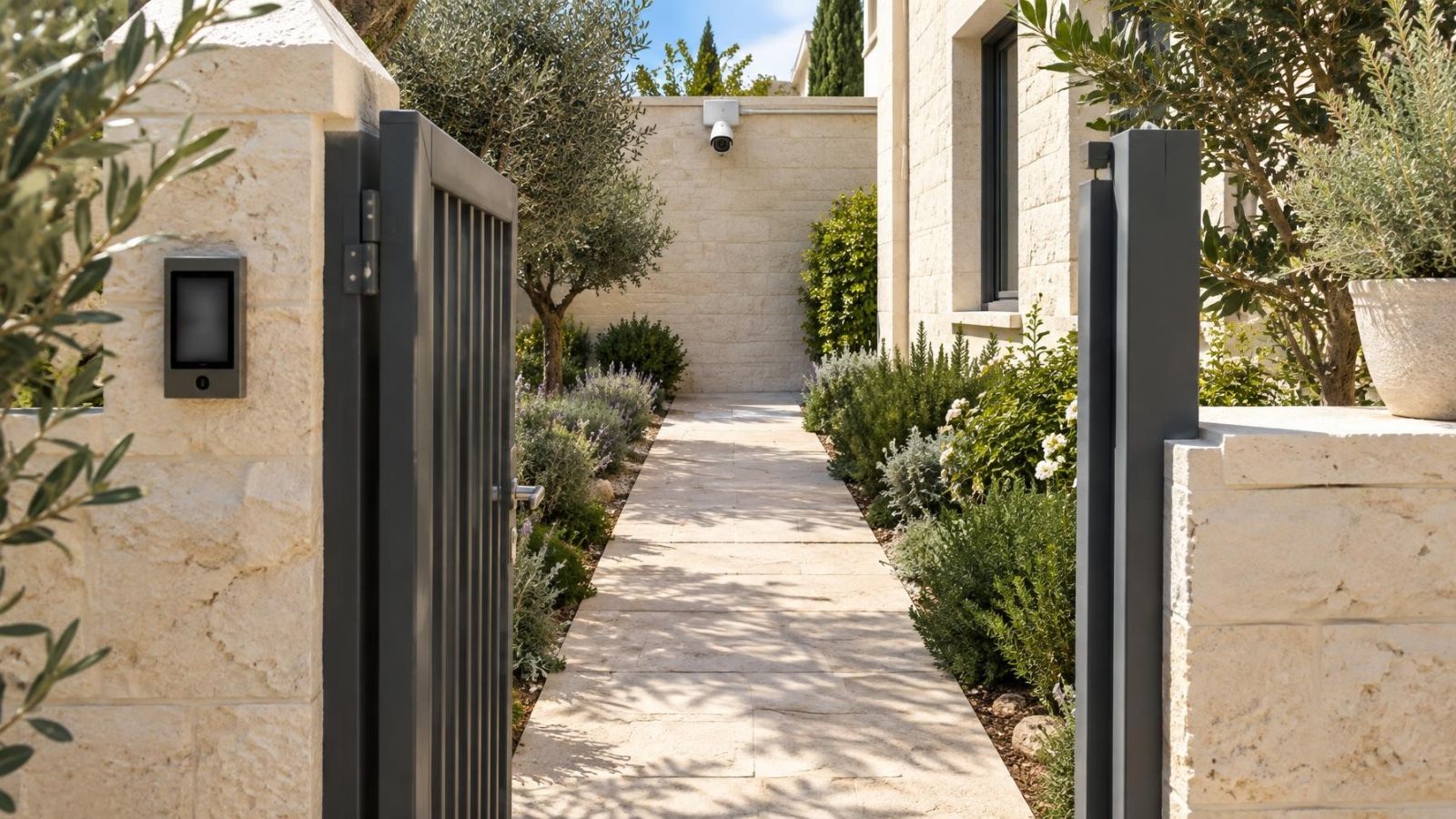
The building type changes the balance. At a private home, a doorbell can handle conversation at the pedestrian gate while a fixed camera watches the route from gate to door. In an apartment building, the useful mounting area may be limited to the private doorway, with the corridor and neighbouring doors kept largely outside the frame. At a street-front business, observation of the threshold and waiting area may be more useful than a call-button experience.
Compare the Useful Coverage
Field of view is not the same as useful coverage. A wide image can include a large area while making a visitor's face too small, too angled or too strongly backlit to be useful. Start with the viewing task, then choose the lens position. Do not begin with a headline field-of-view claim and try to make the entrance fit inside it.
A door-level camera usually gives its best facial view when someone stands close and turns towards the button. It may give less information about how that person approached. A fixed entrance security camera can be aimed across the doorway or towards the gate, giving a longer view of movement through the entrance. The trade-off is that a high, steep angle may show the top of a head better than a face.
- Check the face position of both shorter and taller visitors, not only the centre of the frame.
- Include the approach path or gate when movement before arrival matters.
- Inspect the area directly below the camera, where parcels can sit outside the visible image.
- At a gate, account for people standing to the side while waiting for it to open.
- In a shared corridor, frame the private entrance tightly and avoid making neighbouring doors the main subject.
Choose the Recording Behaviour
A useful door view is only part of the decision. You also need to decide what causes recording, where the footage is stored and how it is played back. Event-triggered recording is economical with storage and easier to review, but it depends on motion detection behaviour. Activity can be missed when movement begins outside the detection area, is too brief, or does not meet the configured trigger.
Continuous recording creates a timeline rather than a collection of detected events. It requires compatible local storage, dependable power and enough recording capacity for the intended retention period. A fixed camera connected to an NVR (network video recorder) is commonly suited to this role. Some doorbells support continuous recording in particular system designs, but it should never be assumed from the presence of a camera alone.
Local storage and remote access solve different problems. Local storage keeps footage at the property and may continue recording when the internet connection is unavailable, provided the camera, recorder and local network still have power and can communicate. Remote access allows live viewing and playback from elsewhere. It depends on the relevant network path and service being available.
Mobile notifications are also separate from recording. A delayed alert does not necessarily mean the event was not recorded, and a fast alert does not prove that a complete clip exists. Remote property owners should confirm these behaviours separately: what records during an internet outage, what can be viewed locally, and what becomes available remotely after connectivity returns.
Plan Power and Connectivity
Entrance devices are often selected before anyone checks how they will be powered. That reverses the sensible order. Wired power avoids routine charging and supports predictable operation. For a fixed camera, PoE (power over Ethernet) can carry network data and power on one cable. A separately powered doorbell may still use a wireless network for communication, so wired power does not automatically mean a wired connection.
Wireless performance depends on the signal at the installed position, with the door or gate closed. An entrance can be only a short distance from the router and still have a weak connection because the path crosses reinforced walls, metal doors, service cupboards or exterior stone. In Israeli homes, the position of the mamad can also shape signal paths. A router on the other side of that room may not serve the entrance well.
Finished homes need a realistic cable route. Check ceiling voids, communication cabinets, existing conduits and accessible junction points before choosing the mounting position. A neat route that can be maintained is preferable to a theoretically perfect angle that requires exposed cable across the entrance.
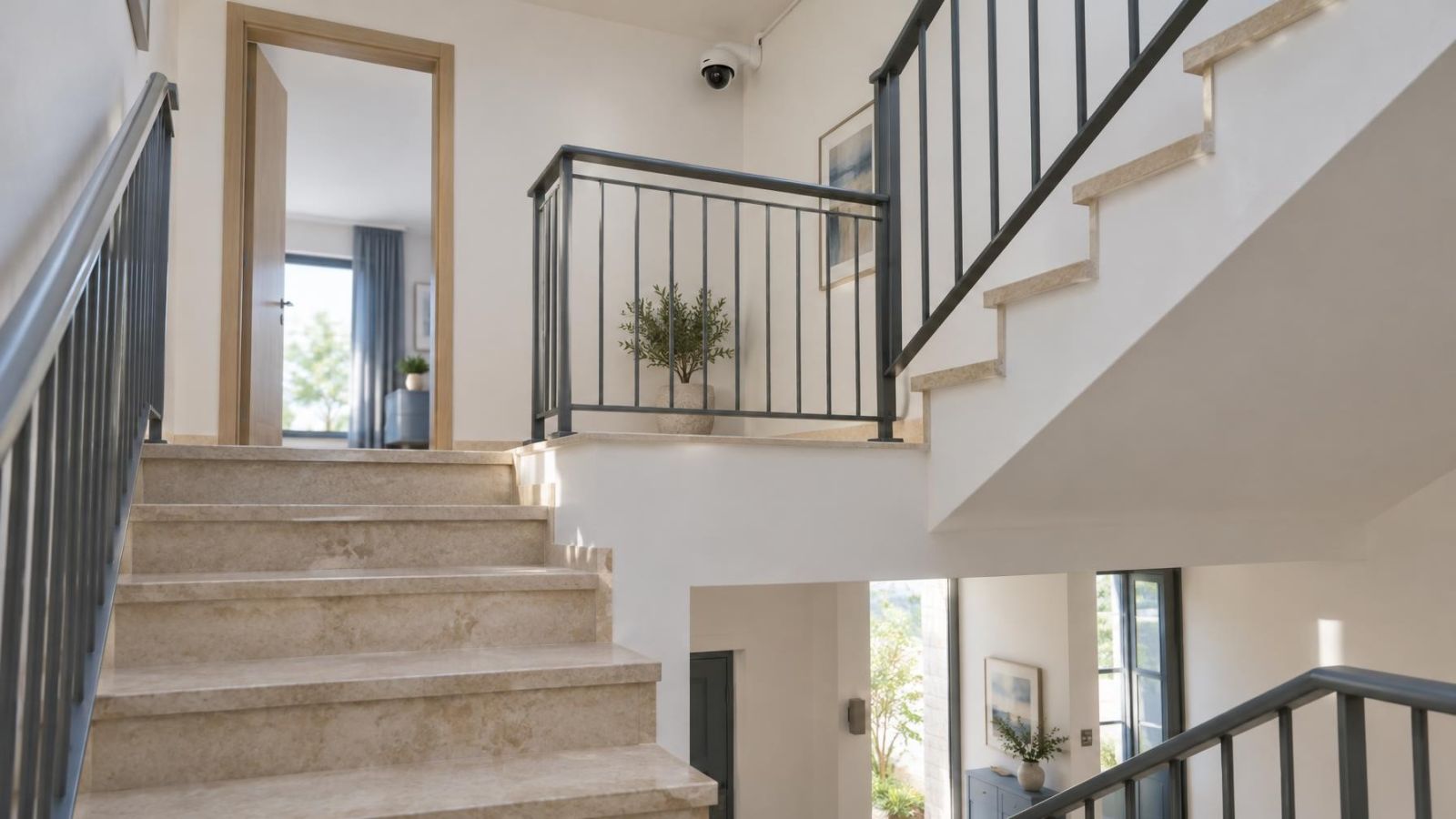
In apartment buildings, the corridor, entrance lobby and external walls may be shared spaces. The physical installation may therefore involve the va'ad bayit or other people responsible for the building. Establish where equipment and cabling can actually be placed before selecting hardware. A device that only works in an unavailable position is not a workable design.
Account for Israeli Entrance Conditions
Strong sunlight is often the most important image-quality issue. If a visitor stands in shade while the camera faces a bright garden, pavement or sky, the background can dominate the exposure and reduce facial detail. WDR (wide dynamic range) can help balance bright and dark areas, but placement still matters. A small change in angle can be more useful than relying on image processing alone.
The light pattern also moves. A doorway shaded in the morning may receive direct sun later, while a gate may alternate between building shadow and open sunlight. Evaluate the direction of the camera at different parts of the day. Where possible, avoid aiming directly towards the strongest sun and reduce unnecessary sky in the frame.
- Use a weather-suitable location for an exposed gate, with protected cable entries and connections.
- Expect dust to collect on lenses and illuminator windows, especially beside roads or open ground.
- Near the coast, choose a mounting arrangement that does not leave connections exposed to humid air and moisture.
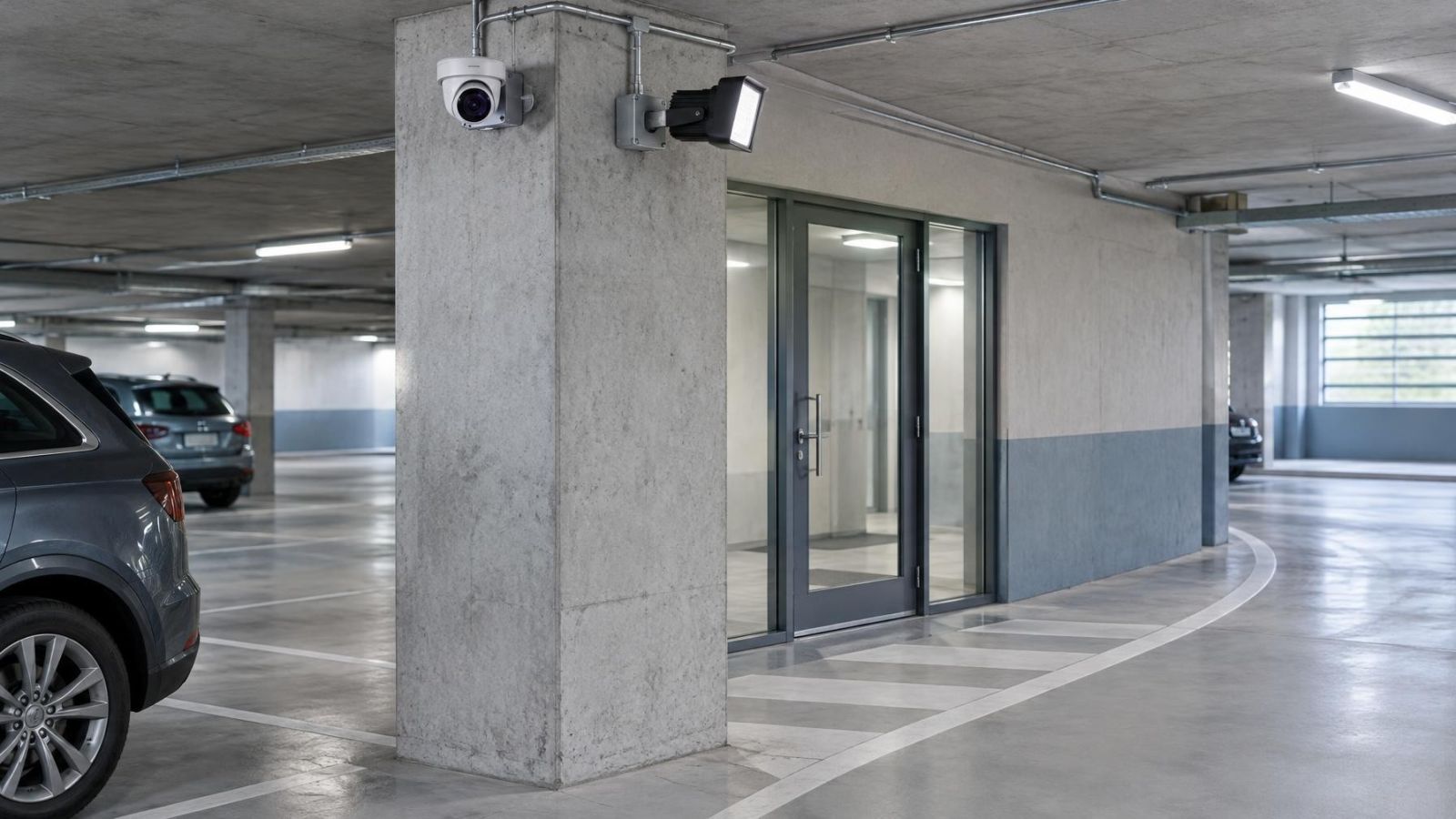
- Keep nearby pale walls, polished stone, metalwork and glass out of the infrared path where possible.
- At street-front businesses, tune motion detection so passing pedestrians and traffic do not create a stream of irrelevant alerts.
Night vision needs to be tested at the entrance itself. Infrared light can reflect from a close wall, doorframe, canopy or dusty cover and wash out the foreground. Meanwhile, the person a little farther away remains dark. Existing entrance lighting may produce a better image than infrared, but only if it lights the face rather than creating another bright background.
Where Should the Entrance Camera Go?
Where to place a front door security camera?
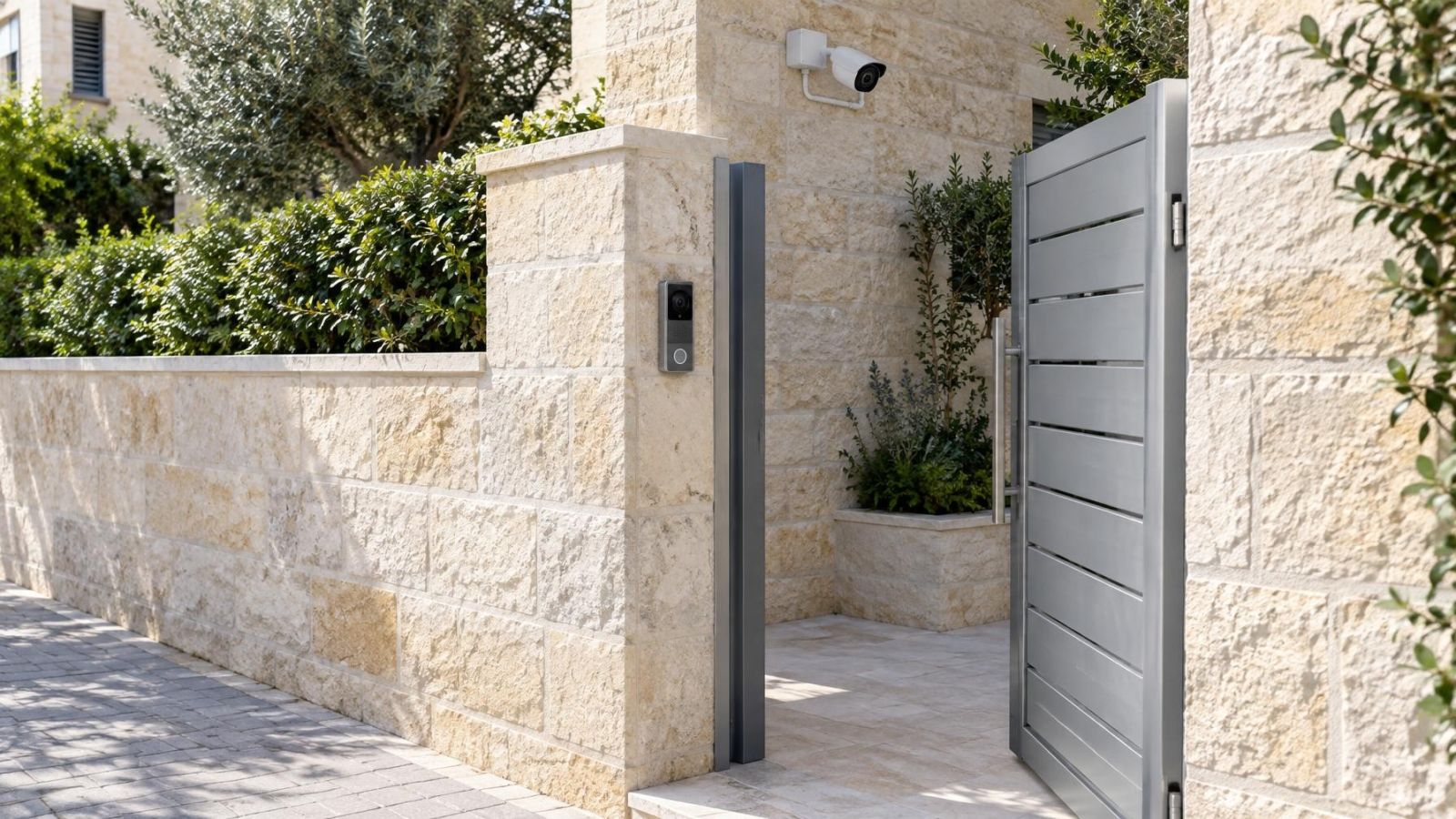
Place the camera according to the image you need, not according to a universal mounting height. A doorbell needs to remain comfortable to press and close enough for clear conversation. A fixed camera intended to observe the approach can sit higher, but excessive height creates a steep view with limited facial detail. Side placement often gives a better face angle than a camera centred directly above the door.
Protection from direct sun and rain is useful, but a deep recess can introduce its own problems. The entrance may become much darker than the background, and nearby surfaces may reflect infrared. Test the final framing from inside the recess rather than assuming the shelter is automatically the best position.
For audio, stand where a visitor normally waits and test speech with the gate or door in its usual position. Road noise, wind, an intercom panel and the distance through a gate can all affect intelligibility. A camera that shows the entire approach may be too far away to serve as a practical conversation device.
The best mounting point is where the required face, approach and waiting area are visible without making unrelated shared space the subject of the recording.
Make the Final Choice
Doorbell camera comparison: which role comes first?
Choose a video doorbell when the main action begins at the button. It suits entrances where you want to receive a notification, see the visitor and speak without opening the door or gate. Confirm the camera angle, audio reach, power source, wireless signal and recording method rather than treating all doorbells as equivalent.
Choose a fixed camera when observation comes first. It is usually the stronger option for framing a gate and approach, integrating with a local recorder, or maintaining continuous recording. Confirm the lens position, night lighting, cable route, storage behaviour and remote playback before selecting the camera.
Use both when the two devices have different jobs. The doorbell can provide a close interaction view while the fixed camera records the wider approach. Do not mount both to produce almost the same image. Separate angles should add useful information, such as the face at the button and movement between the street, gate and door.
- Define whether the priority is conversation, observation or both.
- Mark the face position, waiting area, parcel position and approach route on site.
- Check sunlight, night lighting and reflective surfaces from the proposed viewing direction.
- Verify wired power, cable routes and wireless signal at the exact mounting point.
- Decide between event-triggered and continuous recording, then confirm storage and outage behaviour.
- Review the live images before fixing the final lens direction and motion detection areas.
A site survey should come before equipment selection whenever the entrance has difficult light, an exposed gate, thick construction, shared-building constraints or an awkward cable route. The survey is not about adding complexity. It is how the camera type, viewing role and infrastructure are made to agree before holes are drilled.
Key takeaways
- A video doorbell prioritises conversation with someone standing at the door or gate.
- A fixed security camera provides greater freedom to frame faces, the entrance and the approach path.
- Power, storage and network design affect reliability as much as the choice of camera type.
- Strong sunlight and shared-building layouts should shape camera placement before equipment is selected.
- A doorbell and a fixed camera can perform separate interaction and observation roles without duplicating the same view.