On this page
What Does an Integrated Security System Actually Mean?
Security cameras, an alarm panel, a video recorder, motion detectors and a mobile application can all be installed in the same Israeli home or small business without working as one system. The practical question is whether these components should exchange useful events and controls, or remain independent tools. That distinction—not the number of applications on a phone—is what separates meaningful integration from a collection of compatible-looking products.
Integration normally means that a defined event in one subsystem produces a defined action in another. An alarm event might call up the camera covering the same entrance. A gate command might place a nearby camera view on the control screen. Arming the alarm might change which video notifications are active. These links should be specified individually because “integrated” does not describe one fixed set of capabilities.
How Does Camera Alarm Integration Work?
Camera alarm integration begins with an event source, a rule and a response. The event source could be an alarm detector, door contact or user command. The rule associates that event with a camera, recording channel or notification. The response may open live video, mark recorded footage or send a mobile notification containing a direct route to the relevant view.
The link is only useful when the alarm panel, video recorder, cameras and software support the required exchange. General statements about compatibility are not enough. Compatibility must cover the specific event and response required. A system may support basic arming status while offering no link between an individual detector and an individual camera.
Centralised Control Is Not the Same as a Shared Screen
A single application may display two independent services. It can place alarm and camera buttons beside each other while the underlying systems exchange no information. This is a shared interface, not necessarily centralised control. Genuine centralised control requires supported commands, predictable event handling and user permissions that remain consistent across the connected parts.
Integration also does not always require replacement of every existing device. Supported interfaces can sometimes link an established alarm subsystem to a newer NVR (network video recorder) or software layer. The sensible approach is to identify what can remain, what can communicate and where a manual step will still be necessary. Existing equipment should not be retained merely because it powers on; it must support the intended workflow.
How Separate Components Work
With separate components, the alarm system detects and reports alarm events while the video system records and displays camera footage. Each has its own controller, user accounts and operating logic. The camera system does not need the alarm panel to continue recording, and the alarm does not depend on the recorder to monitor its detectors.
This independence usually means different applications. Family members or staff may need access to one system but not the other. A remote property owner might receive alarm notifications while granting a local caretaker limited camera access. In a shop, a manager may control arming while selected employees can view only the entrance camera. Separate permission structures can be useful, although they require more administration.
Should You Use a Separate Alarm and CCTV Setup?
A separate alarm and security camera setup is reasonable when the two systems serve different users, have different replacement cycles or do not need to exchange frequent events. It also allows faults to be diagnosed within a smaller boundary. A recorder problem need not alter alarm operation, while work on the alarm panel need not interrupt video recording.
Maintenance remains separate as well. Network faults, storage problems and camera image issues belong to the video side. Detector, keypad and alarm communication issues belong to the alarm side. That division can make diagnosis clearer, but it also means someone must understand which application, installer or device is responsible when an expected notification does not appear.
Separation is not absolute. Selected links can be added without turning the property into a fully centralised system. An alarm output may trigger event recording on a supported recorder, for example, while all other functions remain independent. Limited integration is often preferable when there is one valuable connection but no reason to make every component dependent on a common platform.
Where Integration Adds Value
Integration earns its place when it removes a repeated decision from normal use. If an entrance detector generates an alert, opening the associated camera view directly is more useful than asking the user to remember the camera name, open another application and search the timeline. The advantage is not simply speed. It is a clearer relationship between the alarm event and the recorded scene.
Daily arming and viewing can also become simpler. A household may want one clear control point near the main exit and a consistent mobile workflow for selected users. A business may want opening staff to disarm the alarm and check the street-facing view without navigating unrelated controls. The exact workflow should reflect who arrives first, who closes, and who responds remotely.
User roles deserve attention before interfaces are designed. A homeowner, child, cleaner, employee and remote manager do not necessarily need the same controls. Good integration carries those distinctions through the system. It should not turn one convenient application into unrestricted access for everyone who uses it.
Gates and entrances are particularly suitable for coordinated operation because several actions meet in one place. A user may need to identify a visitor, view the gate area and release an electric lock or gate controller. Integration can place supported controls together, but the camera angle, intercom audio and gate equipment still need to perform their own tasks properly.
Integration adds value when it makes a real routine clearer; it adds complexity when components are linked simply because they can be.
Where Separation Adds Flexibility
Independent subsystems allow equipment to be selected for different priorities. Alarm design may focus on dependable detectors, simple arming and appropriate user access. Video design may prioritise image detail, scene coverage, storage and remote viewing. Neither subsystem has to accept a weak component merely to remain inside one product family or interface.
Replacement can also be phased. Cameras and recorders often need attention for reasons unrelated to the alarm panel. The alarm may remain suitable while the property needs a different camera layout, additional recording capacity or a better network. Separation lets the video side change without redesigning alarm operation. The same principle applies in the other direction.
Fault isolation is another practical benefit. If a fault affects only one independent subsystem, the other can continue its normal operation. This does not remove shared dependencies: both systems may still rely on the same router, network switch or electrical supply. The architecture should show those common points rather than assuming that separate applications mean complete independence.
| Decision factor | Integrated approach | Separate approach |
|---|---|---|
| Daily operation | Selected alerts, views and controls can share a defined workflow | Users move between independent applications and controls |
| Equipment choice | Choice is limited by confirmed compatibility for required links | Each subsystem can be selected around its own requirements |
| Replacement | A change may affect connected workflows and software | One subsystem can usually be replaced with less effect on the other |
| Fault diagnosis | Connected event paths must be checked from source to response | Faults are usually contained within the alarm or video subsystem |
| User access | Roles can be consistent if every component supports them | Permissions are managed separately for each subsystem |
Flexibility has an administrative cost. Two applications require two sets of users, notifications and updates. Remote owners should decide who can restore access locally if a phone is replaced or an account becomes unavailable. A modular design works best when responsibility for each subsystem is documented rather than left to memory.
What Must Be Checked Before Installation?
Start with required behaviour, not a broad request for a combined security system. List the events that matter and the expected response to each one. “Entrance detector opens entrance camera” is testable. “Everything works together” is not. This list becomes the basis for checking components, cables, power and access.
Confirm Compatibility at the Function Level
The alarm panel, recorder, cameras and mobile or desktop software must support the proposed event links. Confirm whether the connection carries an event, a control command, live video, recorded video or only a basic status. Also check what happens after equipment is restarted and whether the association between detectors and cameras must be rebuilt manually.
Plan Wiring and Network Reliability
A wired connection is generally more predictable than a wireless link where walls, distance or interference weaken communication. This matters in reinforced areas and around a mamad, the safe room commonly included in Israeli floor plans. The mamad walls can affect where wireless equipment communicates reliably, so placement should be tested rather than assumed.
For network cameras, PoE (power over Ethernet) can carry power and data on one cable from a suitable network switch. The design still needs correct cable routes, switch capacity and a clear network layout. A dedicated VLAN can separate security traffic where the property network is managed accordingly, but segmentation should not make local support unnecessarily difficult.
Check Backup Power Device by Device
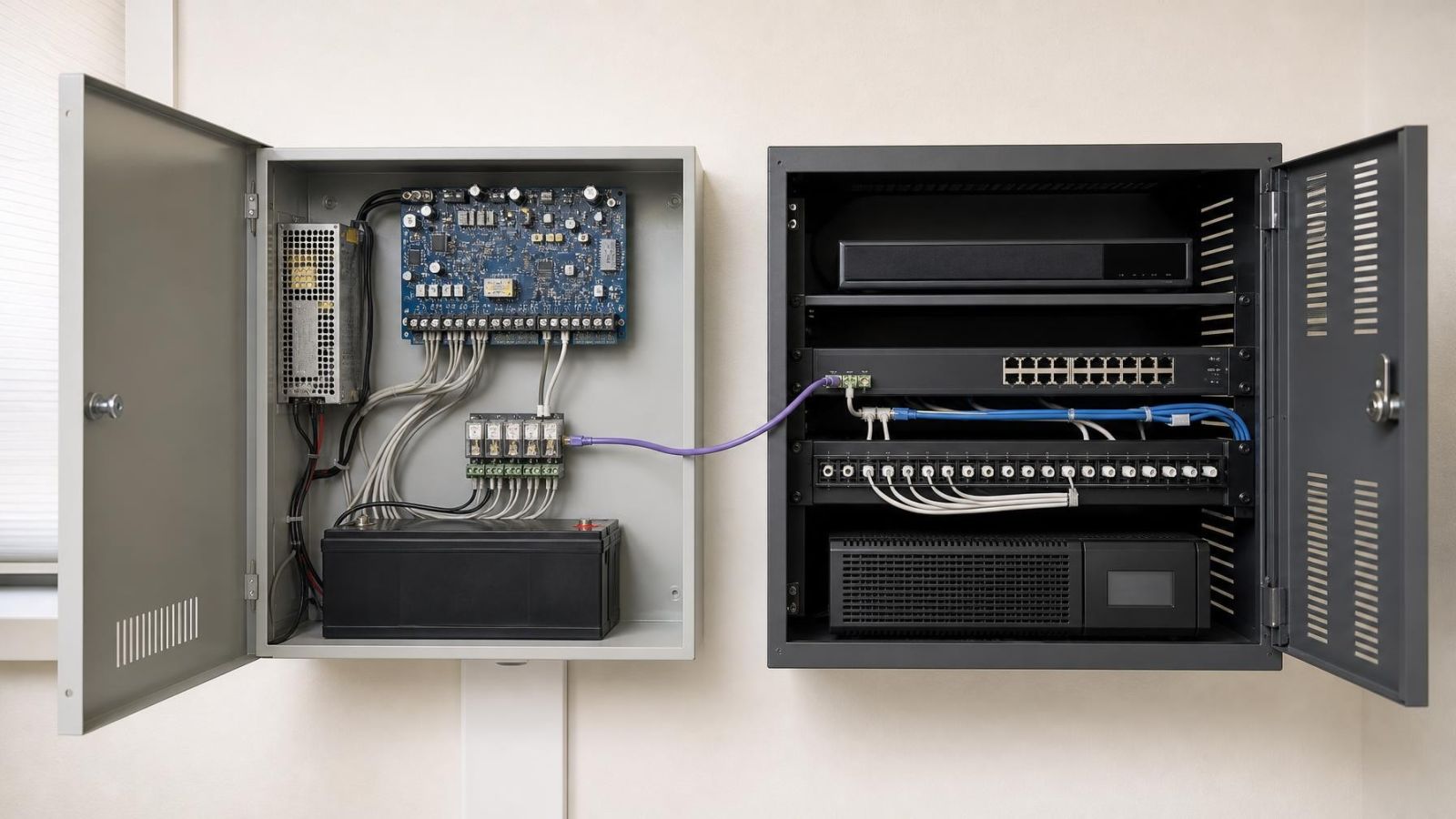
Backup power must be considered separately for the alarm panel, recorder, cameras and network equipment. Backing up the recorder alone does not keep network cameras available if their PoE switch has no backup. Backing up cameras and the switch does not preserve remote access if the router is unpowered. List each critical device and trace the complete path required for its intended behaviour.
Define Remote Access and User Management
Decide who can arm, disarm, view live video, review recordings and change settings. Remote access should use individual users where supported, not a shared household or staff login that becomes difficult to manage. For a property owner abroad, local operation should remain understandable even when external connectivity is unavailable. Internet access and local recording are related services, not the same function.
Inspect Camera Positions in Real Conditions
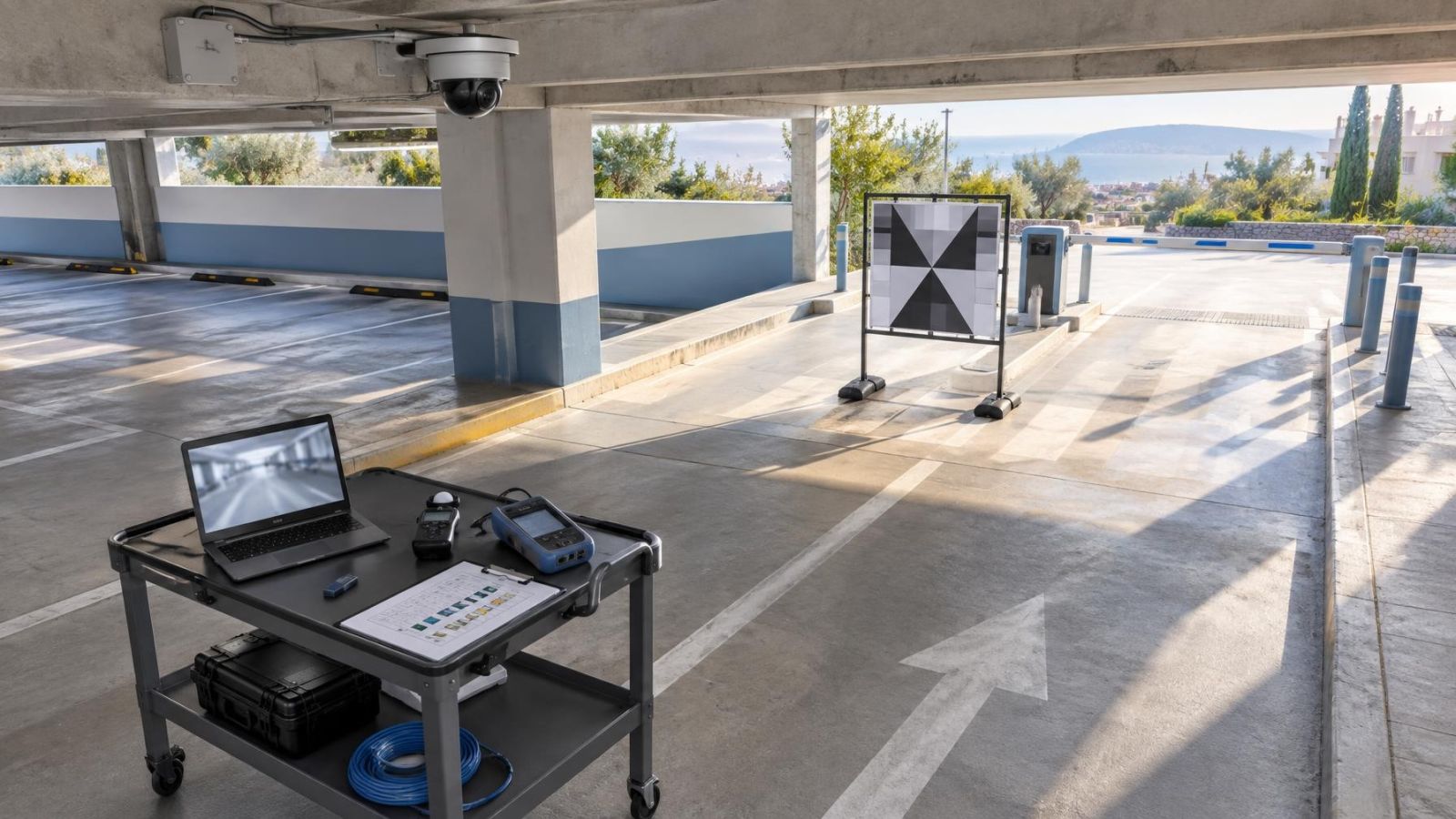
Integration cannot correct a poor camera view. Strong Israeli sunlight can leave a shaded entrance or indoor foreground with little usable detail when the background is bright. WDR (wide dynamic range) can help the camera handle contrasting areas, but position and angle remain decisive. Test the view with the entrance open and closed and with sunlight falling from different directions.
Dust can settle on exposed housings and lenses. Coastal humidity also affects equipment selection, connectors and maintenance. At night, nearby walls, pale surfaces, glass and foliage can reflect IR into the camera and reduce useful detail. A camera should be positioned for the scene it must record, not simply mounted at the nearest convenient cable point.
Choose Around the Property
The best architecture follows the physical boundaries and daily routine of the property. An apartment, private home and street-front business can use similar components but require very different control points. Begin with where responsibility starts and ends, then decide which actions benefit from being connected.
Apartments and Shared Entrances
In an apartment building, the private alarm usually serves the apartment while the main entrance, lobby, lift area or parking access may involve shared building infrastructure and va'ad bayit decisions. Do not assume that a private application can or should control shared equipment. Define which cameras and detectors belong to the apartment and which systems are operated collectively.
Private Homes, Gates and Gardens
A private home may have several boundaries: street gate, pedestrian entrance, garden path, main door and internal alarm zones. Integration is useful where a gate event should lead to a specific view or control. Camera placement must account for vegetation, outdoor lighting and sun direction. The mamad should be included in network and alarm planning because its construction can influence cable routes and wireless coverage.
Street-Front Businesses
For a street-front business, opening and closing routines often determine the design. The first employee may need simple alarm control without access to recorded video. A manager may need event review and remote status. Cameras facing through glass or towards a bright pavement require careful positioning because reflections and backlight can obscure the indoor foreground.
A practical selection process is straightforward:
- Write down the alerts, recordings and control actions that are actually required.
- Identify the people who use each function and the permissions they need.
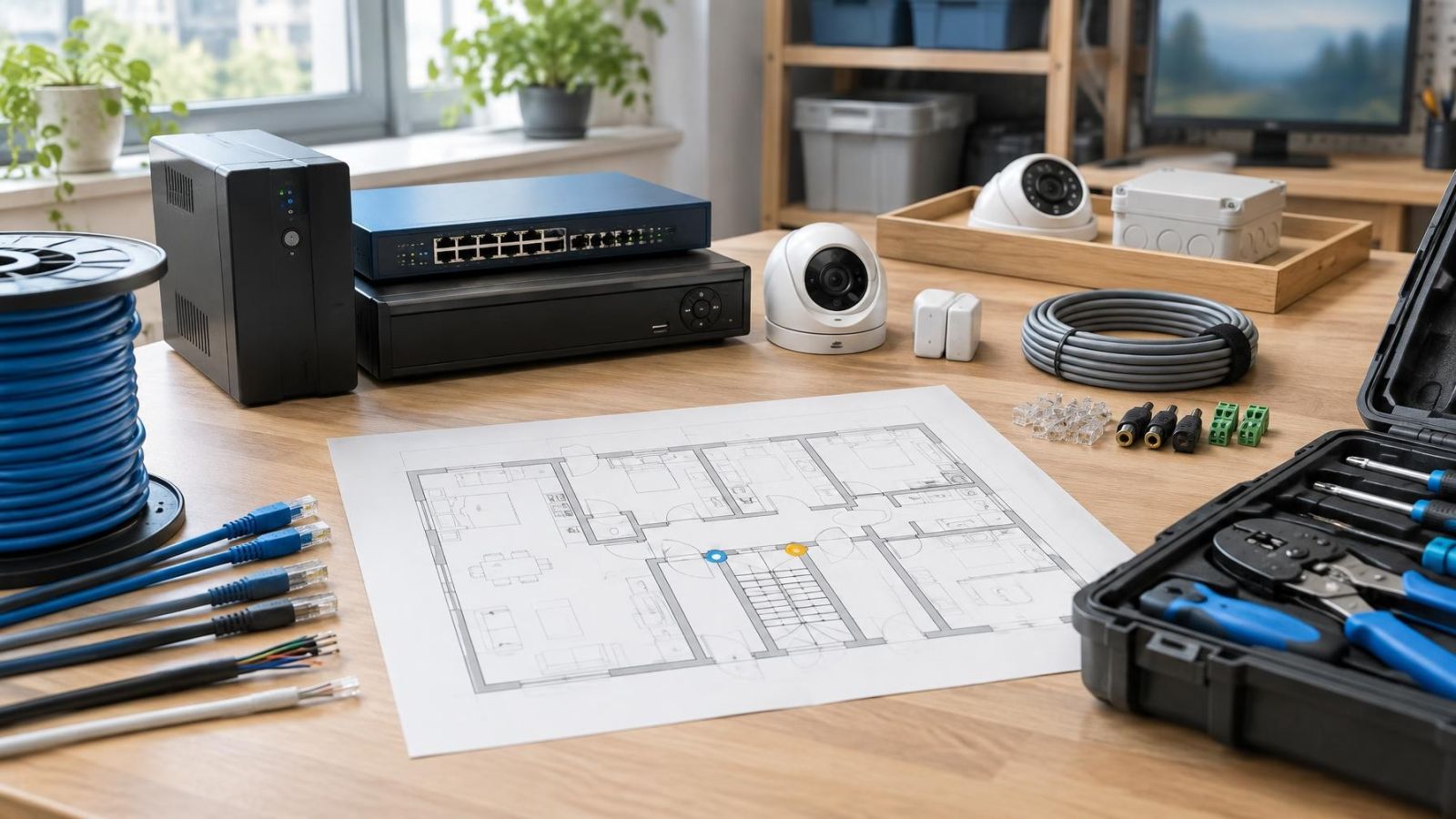
- Mark the entrances, gates, shared areas, network points and equipment locations on the plan.
- Confirm which workflows require integration and which can remain independent.
- Test compatibility, communication, backup power and camera views before treating the design as complete.
Choose integration when one coordinated workflow will be used regularly and can be supported reliably. Choose separation when modular independence, distinct user roles or phased replacement are stronger priorities. A mixed architecture is also valid: keep alarm and video independent at their core, then connect only the events that make the property easier to operate.
Key takeaways
- Integration is most useful when alarm events and relevant video need to work together during normal daily operation.
- Separate alarm and camera systems provide more freedom to replace, expand or troubleshoot each subsystem independently.
- A shared mobile application does not prove that alarm and video components exchange events reliably.
- Confirmed compatibility, dependable wiring and separate backup power arrangements matter more than an integration label.
- The right system architecture follows the property boundaries, user roles and daily opening or arming routine.