A Small Business Security Plan for a Street-Front Shop
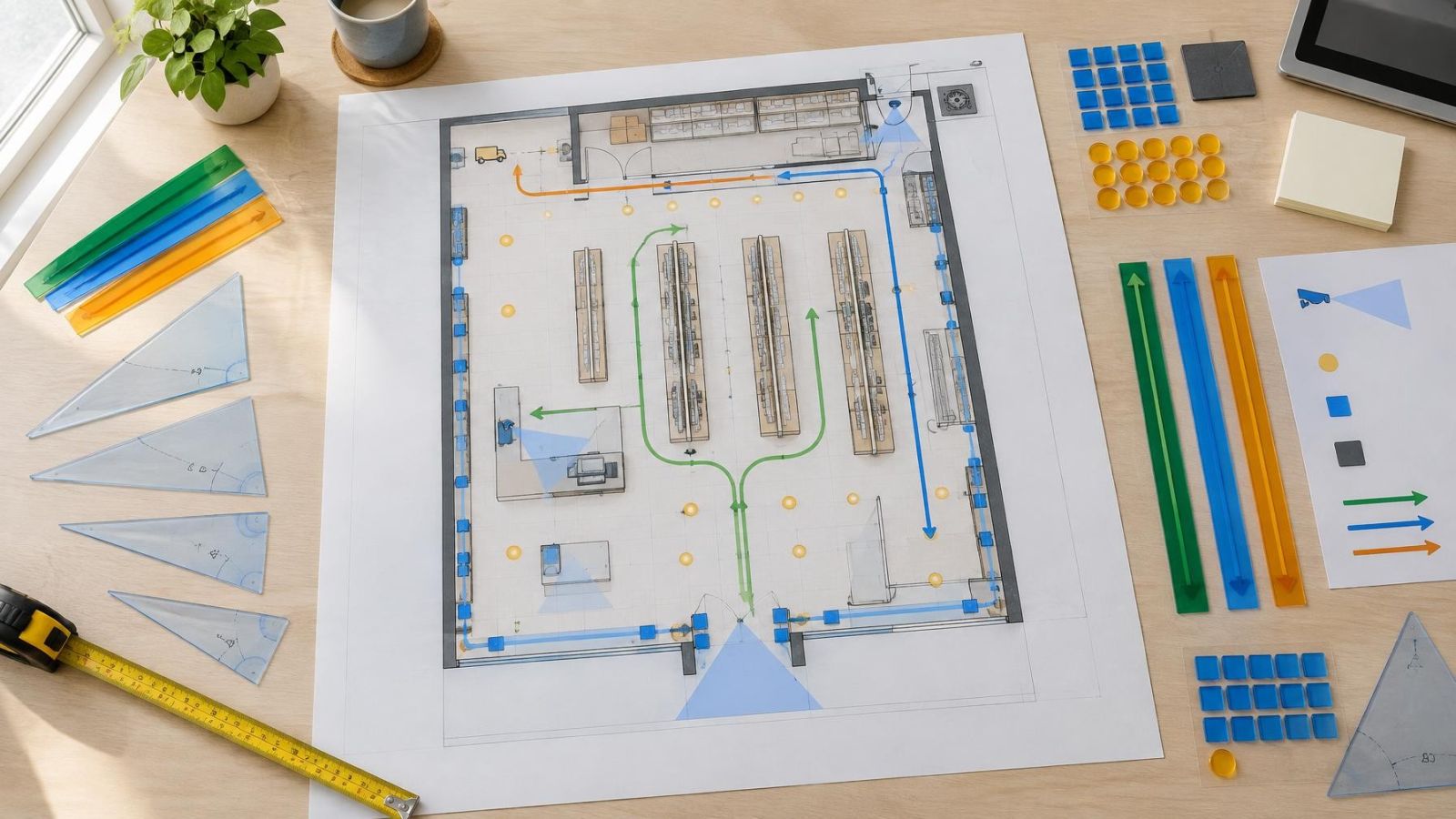
A sound small-business security plan maps entrances, storefront glass, customer and staff routes, stock areas, recording equipment and response responsibilities before any equipment is selected.
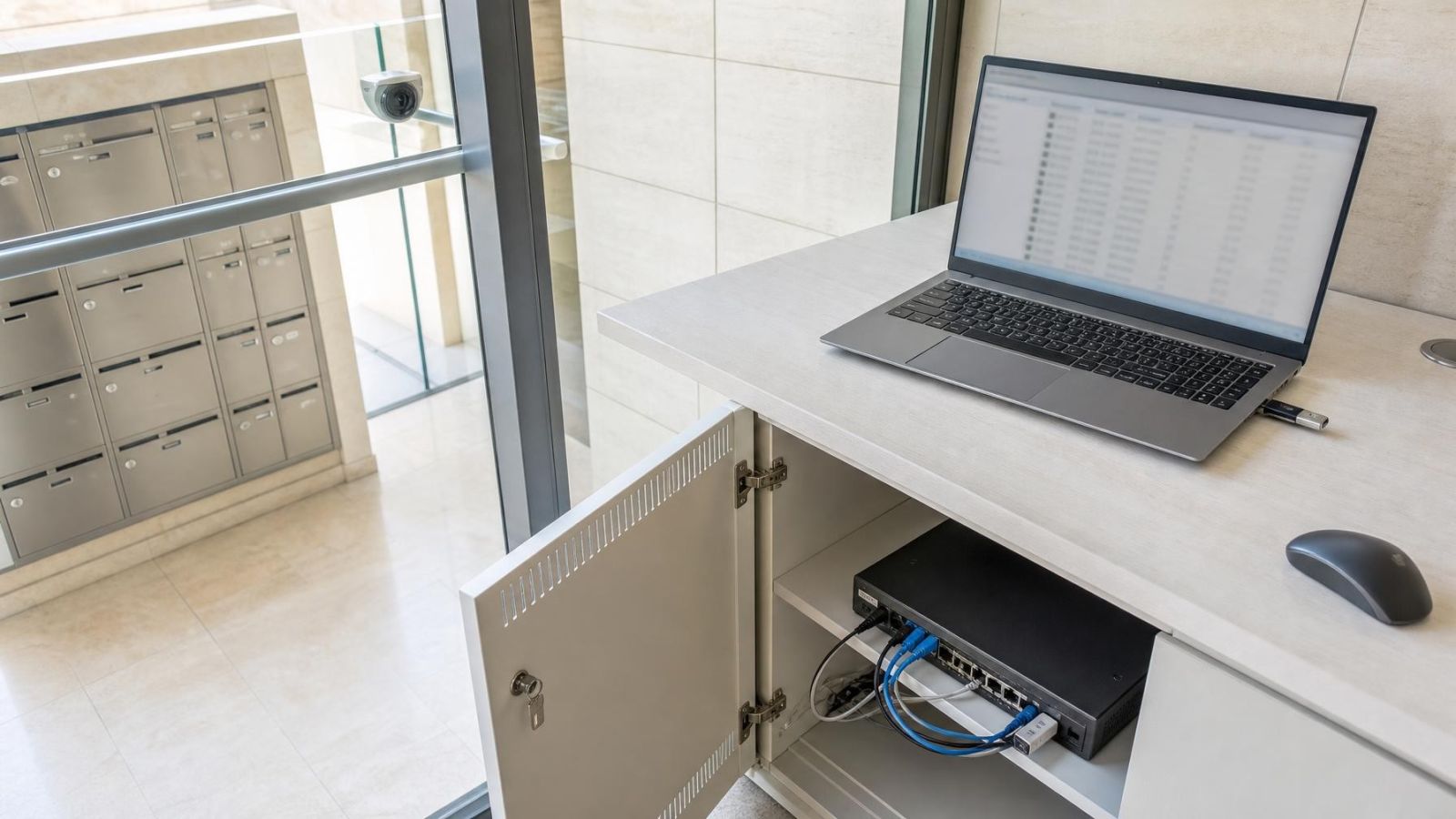
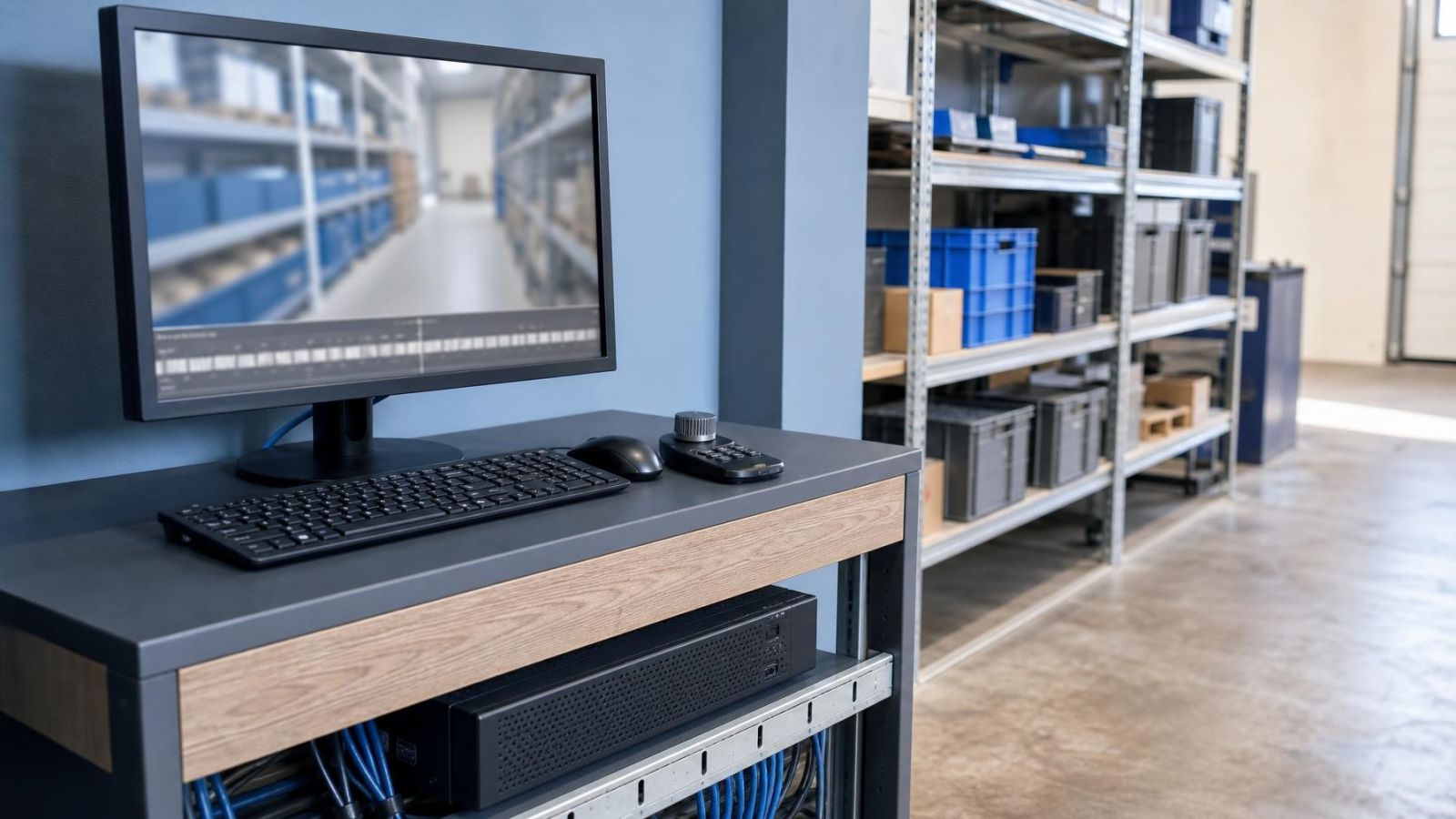
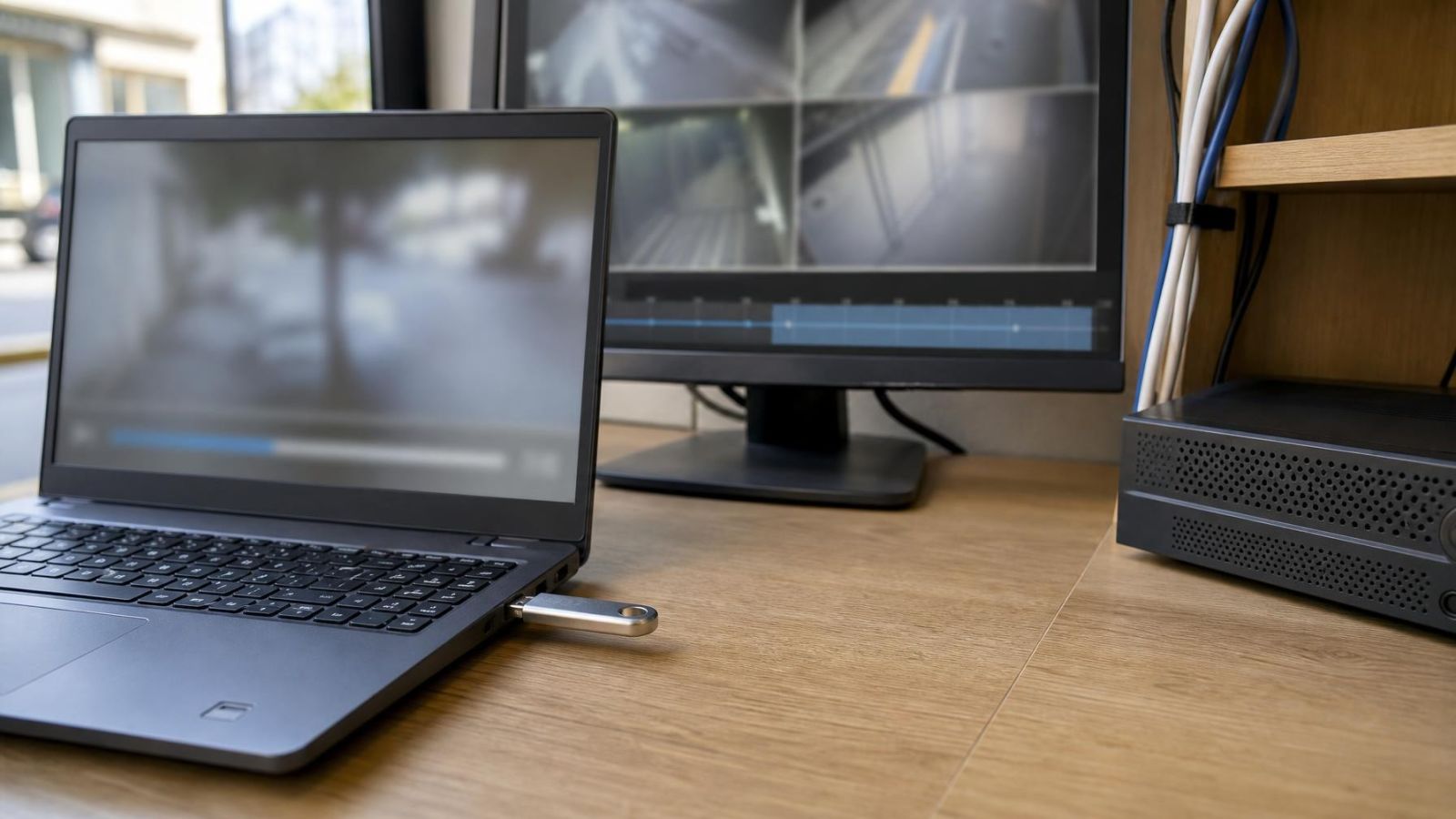
CCTV access logs can show recorded account and connection activity, including login attempts, timestamps and network addresses. They cannot reliably prove which person used an account, whether that person was physically present or exactly which footage was viewed.
Choose a keyframe interval that lets the recorder seek, start and recover recorded video smoothly without creating unnecessary bandwidth and storage overhead. The right setting depends on frame rate, scene movement, bitrate control, compression behaviour and the recorder’s ability to decode the camera stream.
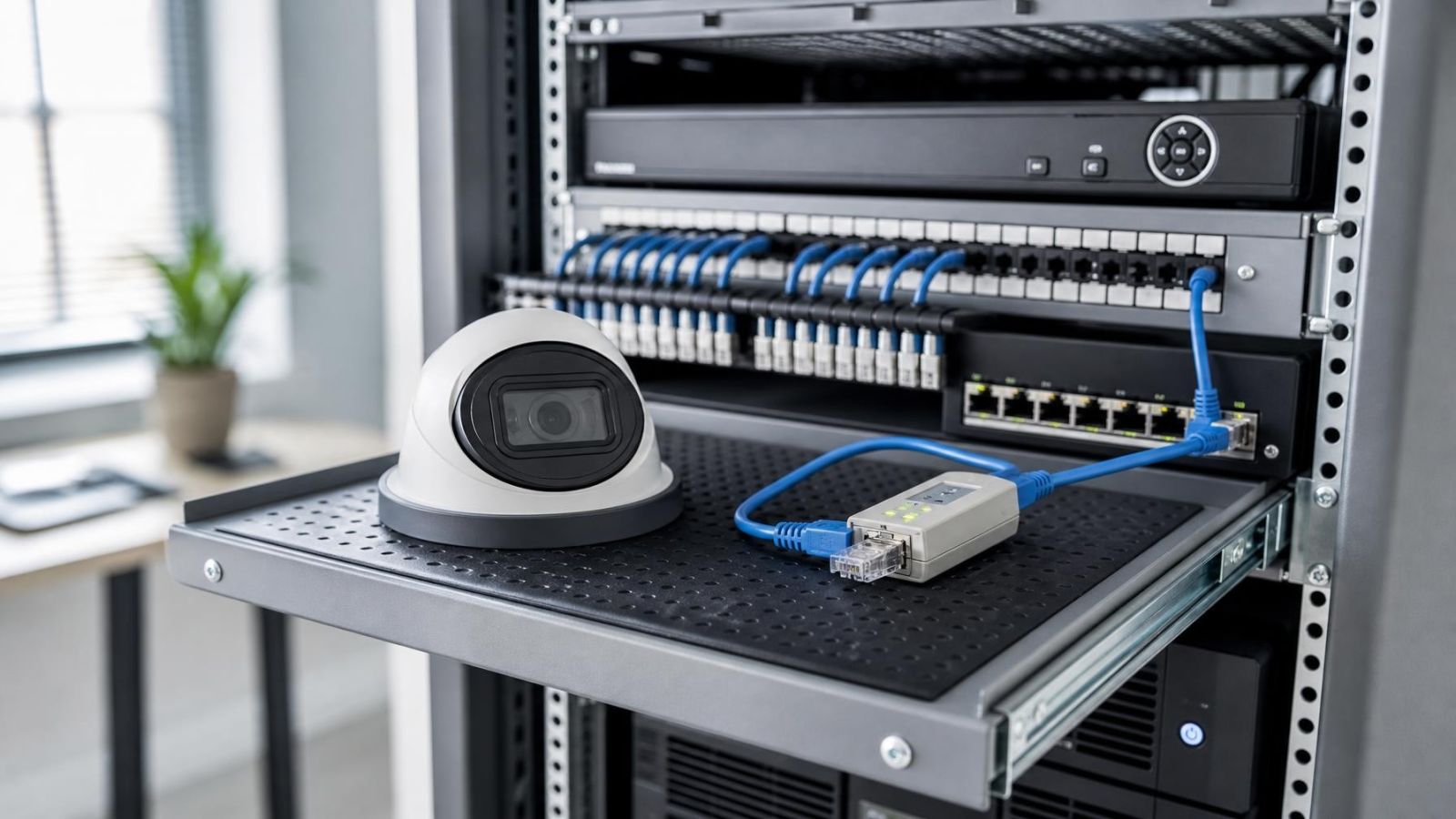
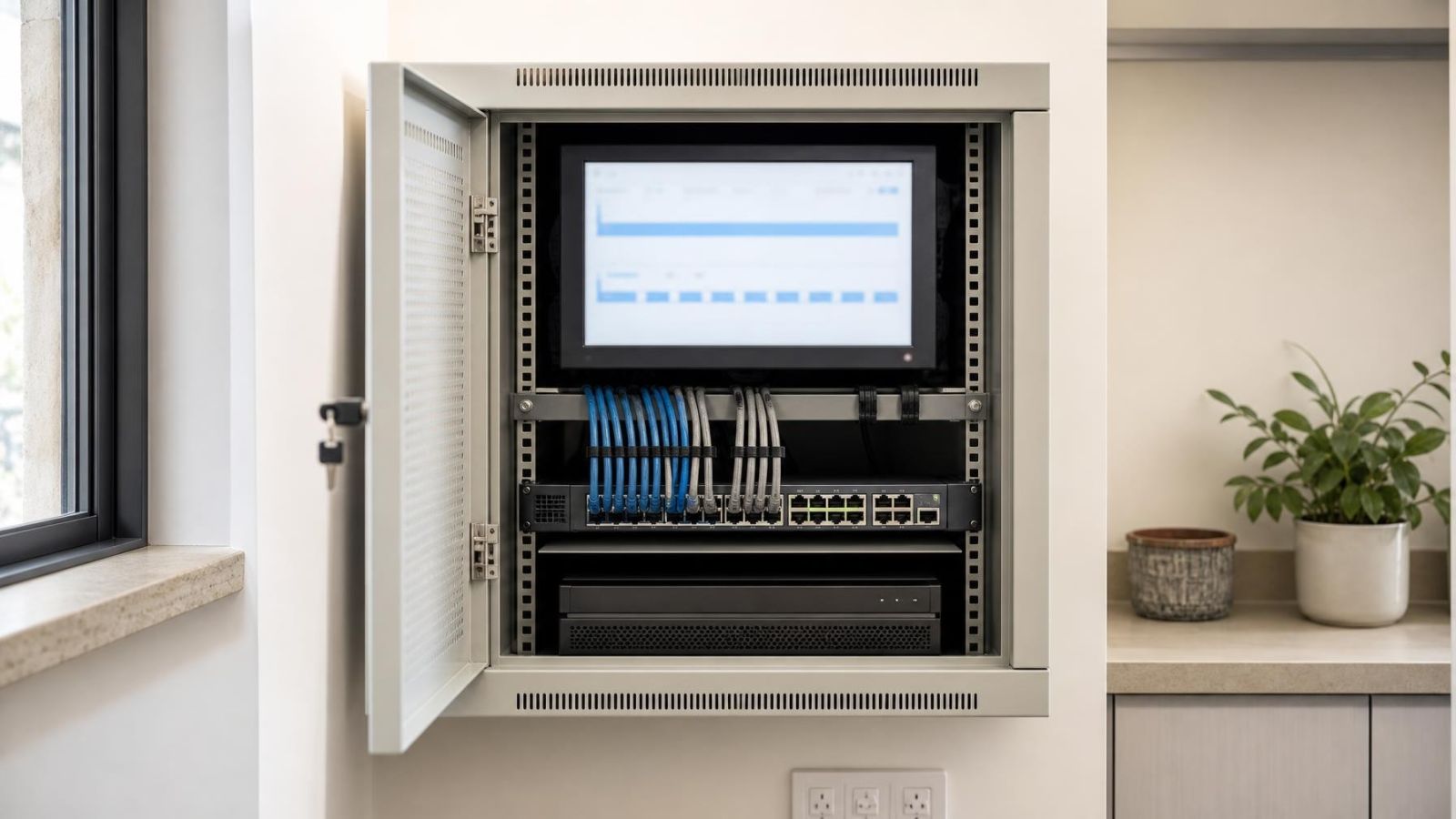
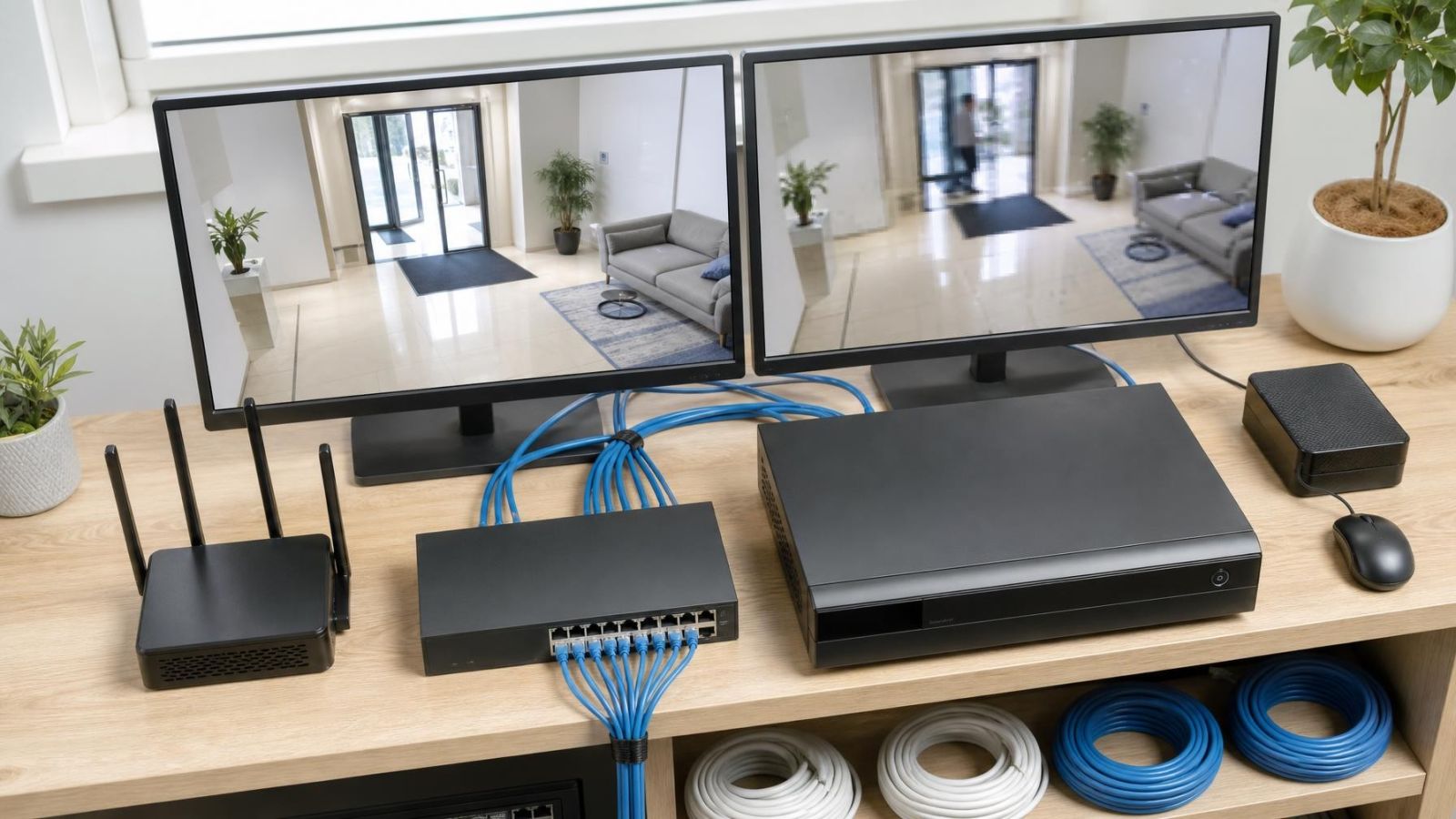
Add cameras only after confirming that the recorder supports their technology, protocol and settings. Check available channels, decoding and bandwidth capacity, storage, power, cabling and placement. Complete a temporary connection test that includes live view, recording, playback, remote access and recovery after power is restored.
When security camera storage fills up, the recorder either replaces the oldest footage automatically or stops saving new video. The result depends on whether overwrite is enabled. Full storage can be normal in a rolling archive, but important clips must be exported elsewhere before the recorder reaches and replaces them.
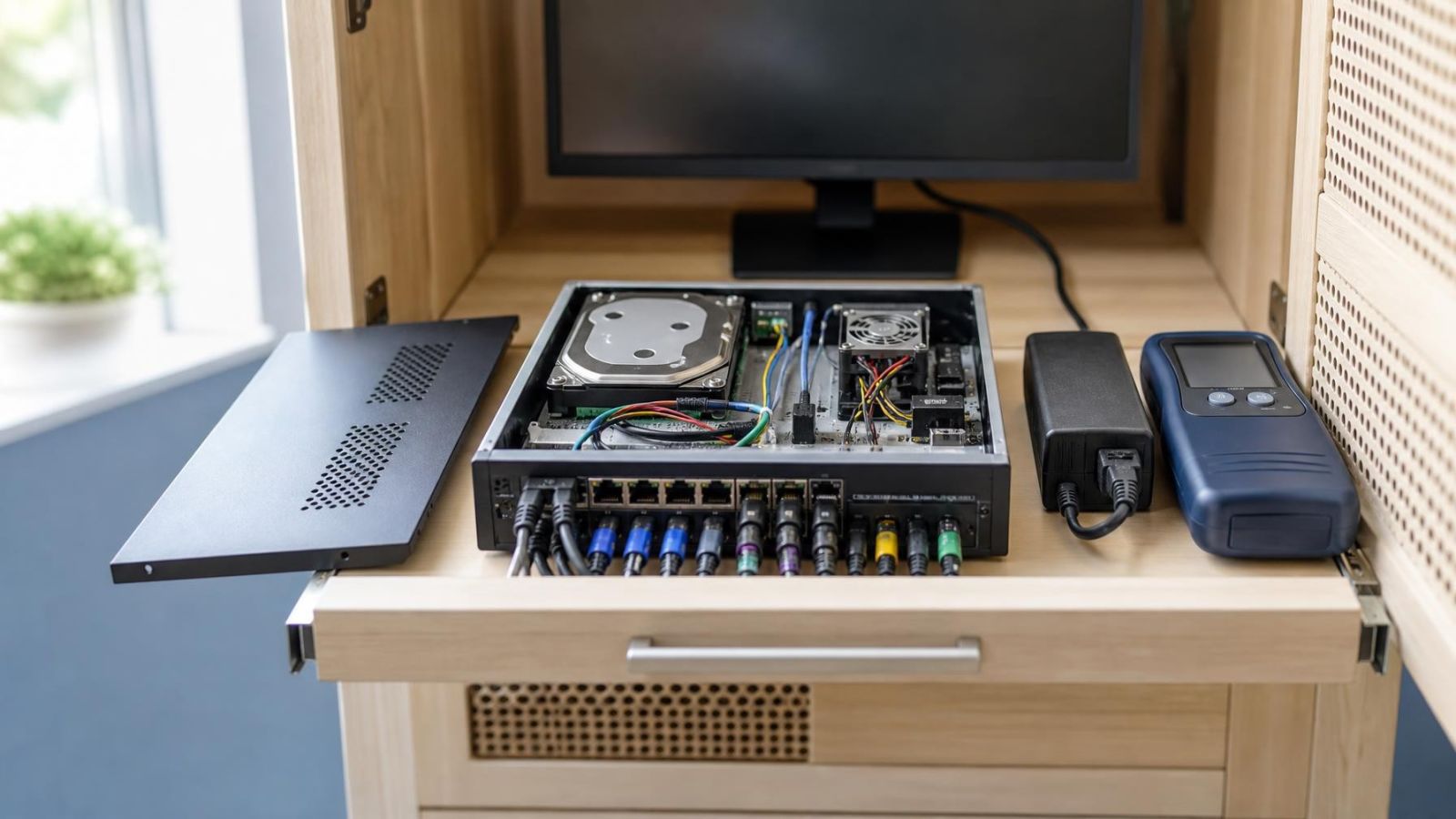
A video recorder that keeps restarting usually has unstable power, excess heat, a failing hard drive or a faulty connected device. Note when the restart occurs, then isolate the power supply, hard drive, cameras and network connections methodically. Persistent restarting after external causes are removed points towards an internal recorder fault.
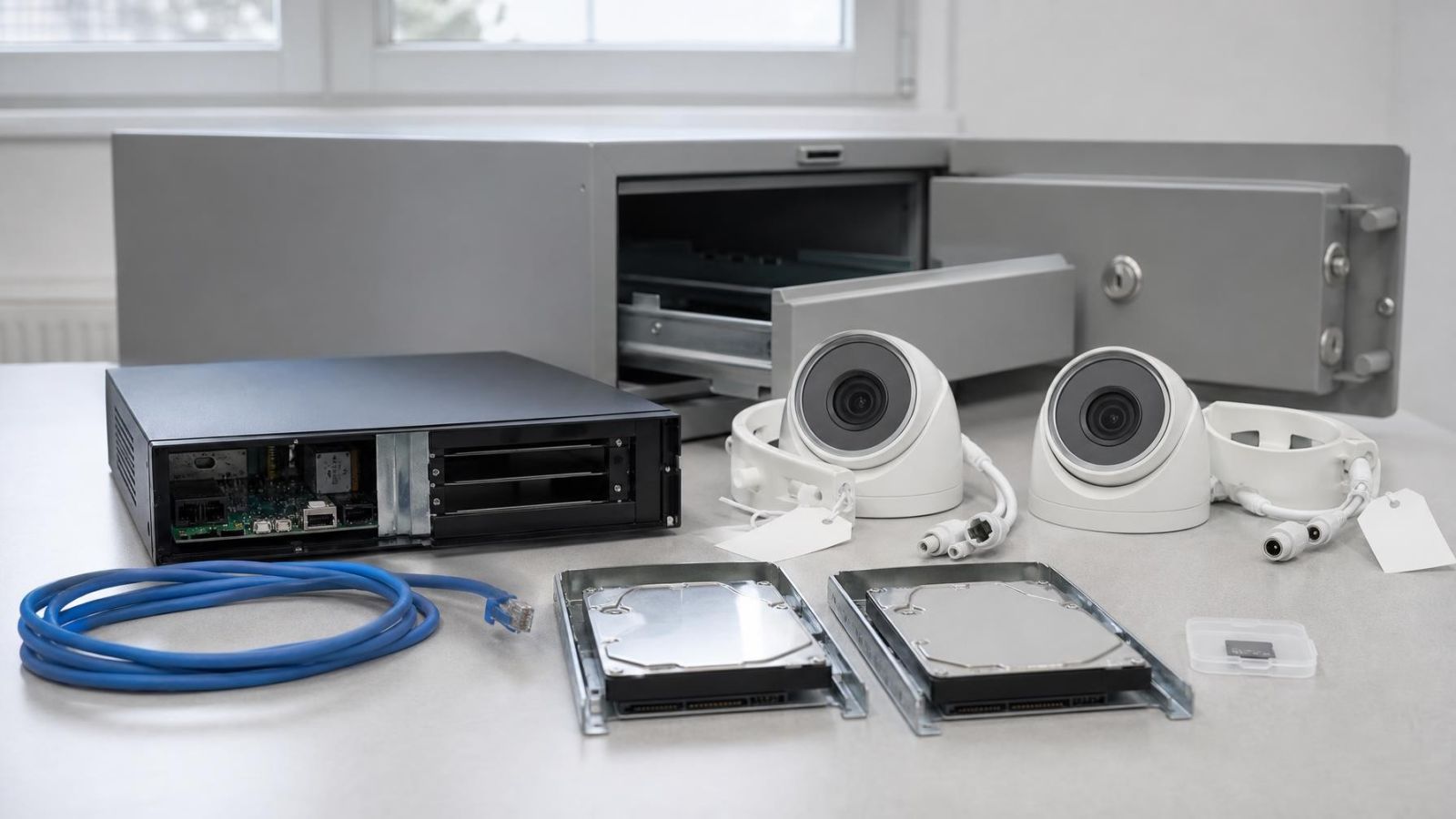
Secure retirement means preserving required footage, disconnecting network and remote access, erasing every recording location, unlinking accounts, and treating cameras, recorders and storage media as separate items during reuse or disposal.
For everyday CCTV, use continuous recording where complete context matters and event recording where activity is limited and motion detection can be tuned reliably. Choose the mode per camera rather than imposing one setting on the whole system.
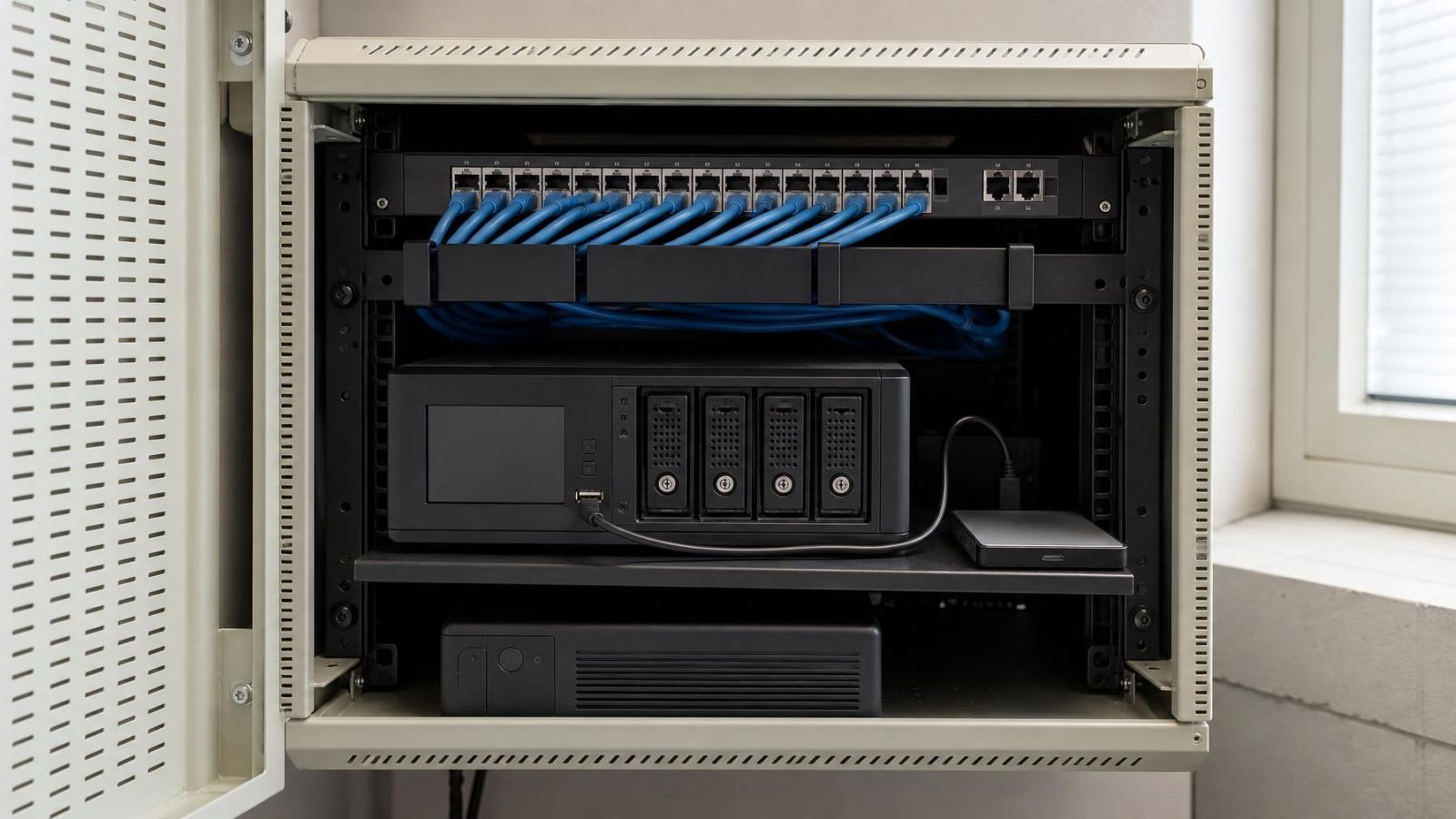
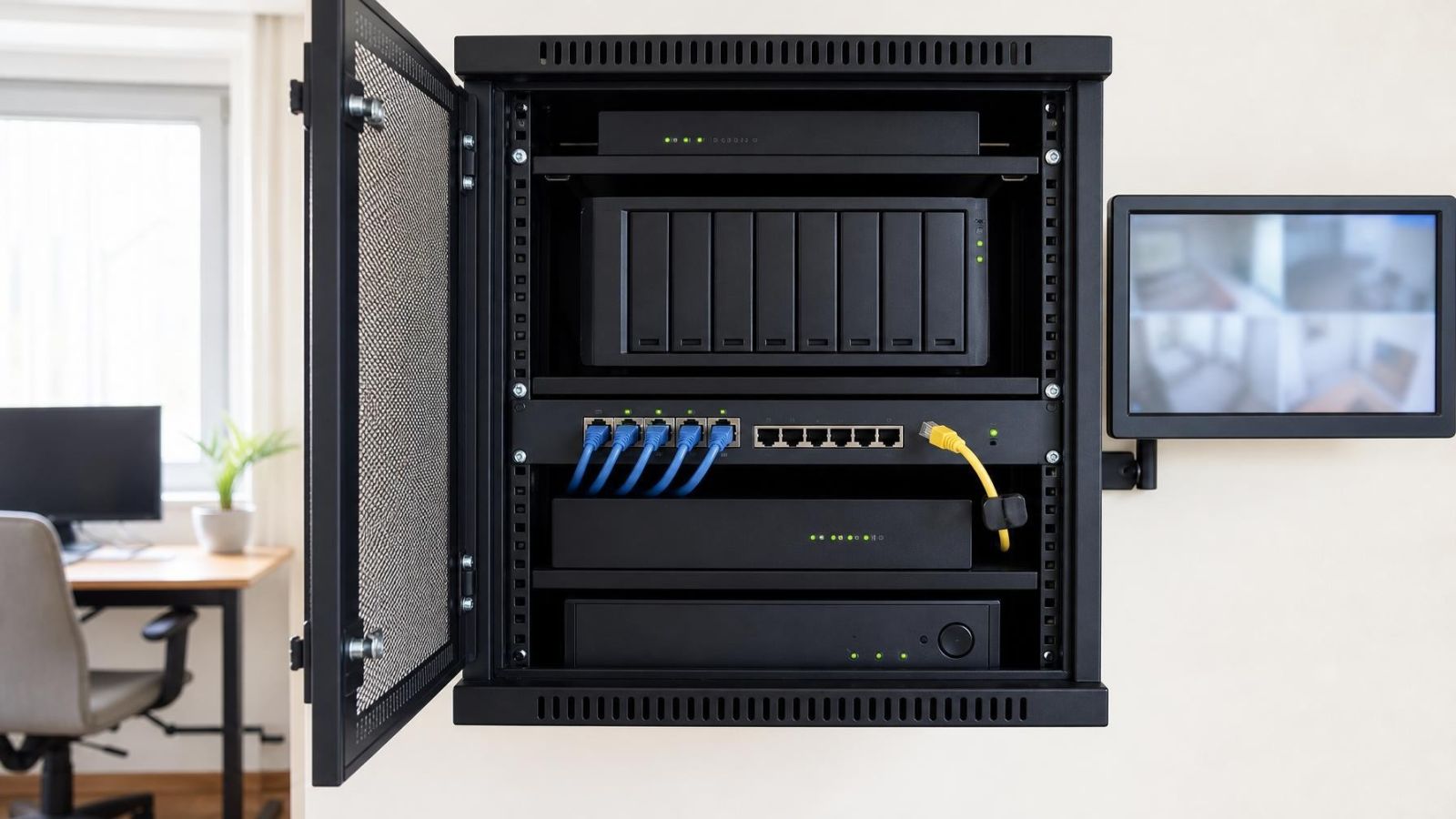
Disk redundancy supports continued recording through certain drive failures. Video backup keeps an independent copy that remains recoverable when the original recorder, disk array or footage is unavailable.
Recorded CCTV often looks worse than live view because the video recorder may store a different stream with a lower bitrate, stronger compression, fewer pixels per frame or a lower frame rate. Motion, difficult lighting and low-quality remote playback can widen the apparent difference.
A locally designed camera system can keep recording without internet while its cameras, recorder, storage, local network and power remain available. Remote viewing and off-site alerts usually stop until the connection returns.
A reliable clip-export workflow identifies the correct camera and time window, confirms the recording and its context, exports it in a usable format, and tests the copied file on another device before it is archived or shared.
Answer a few questions and get a scoped quote — or talk to an engineer today.