NetMagen Download
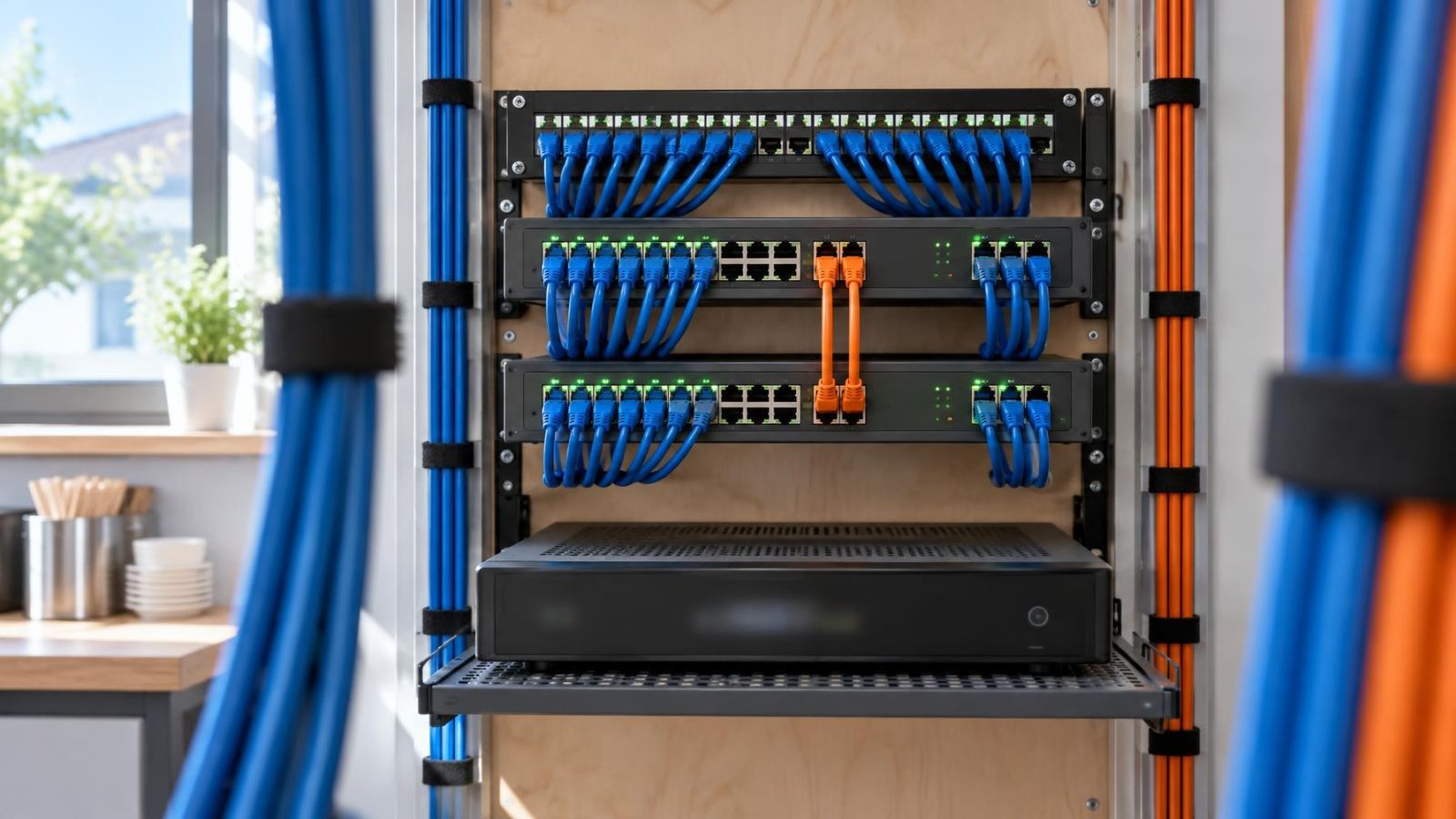
Technician tracing labelled Ethernet cables between PoE switches in a communications cabinet
Security Networks & Connectivity

Why Network Loops Can Take an Entire Camera System Offline

A network loop can take an entire camera system offline by circulating Ethernet traffic repeatedly until the switches can no longer carry camera streams, recorder communications and management traffic reliably. Cameras connected to a PoE switch may remain powered throughout the outage, so visible power does not confirm network connectivity.

11 min read

Security camera overlooking a dim entrance with mixed ambient and infrared light
Video Surveillance & Cameras

How Camera Sensor Size Affects Low-Light Detail

A larger image sensor generally offers more low-light potential, but useful night detail depends on pixel density, lens aperture, exposure, illumination and placement working together. Compare recorded video of moving subjects in a scene similar to yours, not only bright daytime footage or a paused night frame.

10 min read

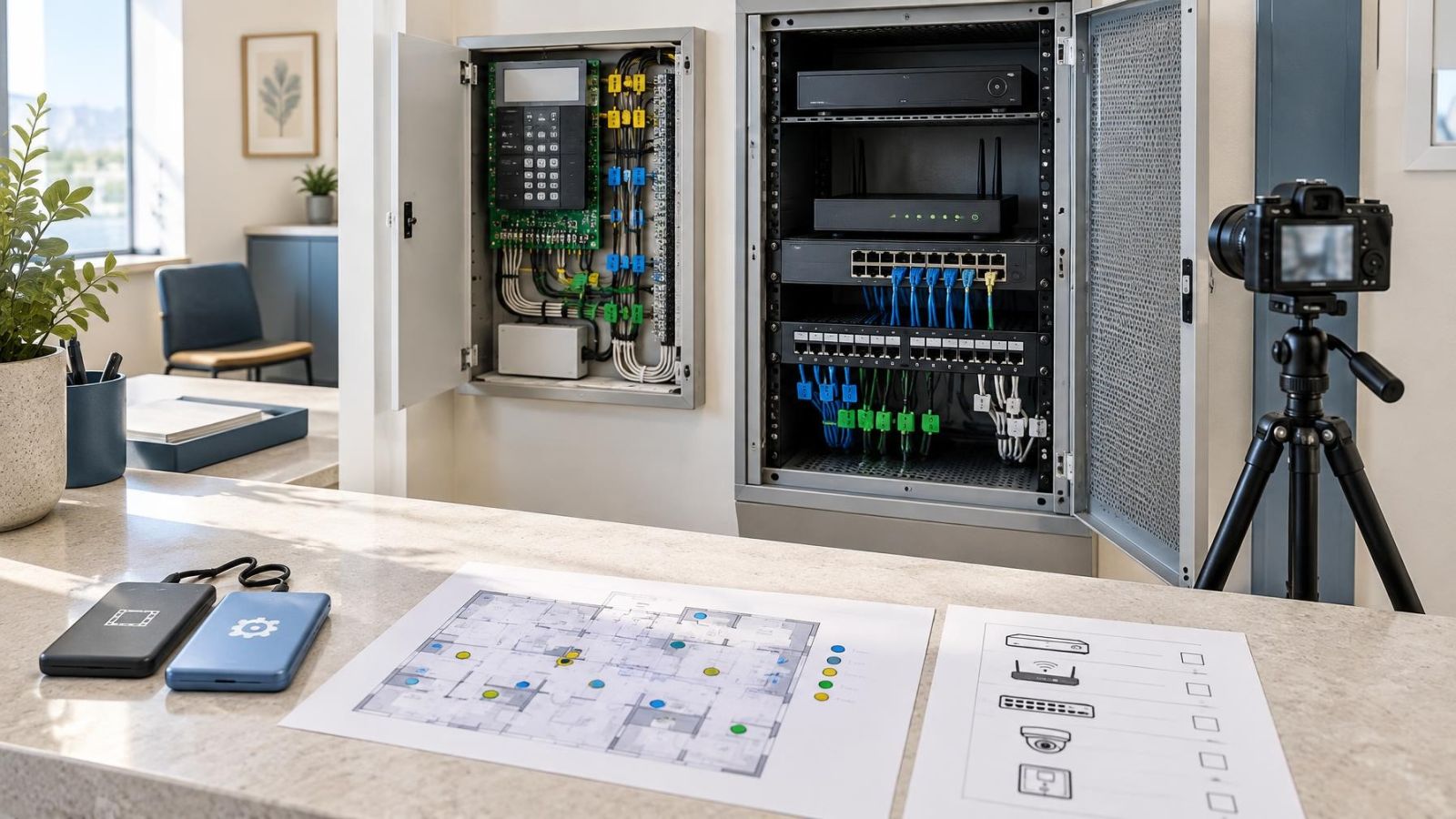
Technician documenting recorder settings and labelled alarm wiring before a factory reset
Maintenance, Troubleshooting & Upgrades

Factory-Resetting Security Equipment: What to Record First

Before factory-resetting security equipment, save the configuration and critical recordings separately. Record administrator access, user permissions, network details, camera locations, recording rules, alarm zones and labelled wiring. Finish with a written restoration order and a checklist for testing every camera, detector, notification and remote connection.

11 min read

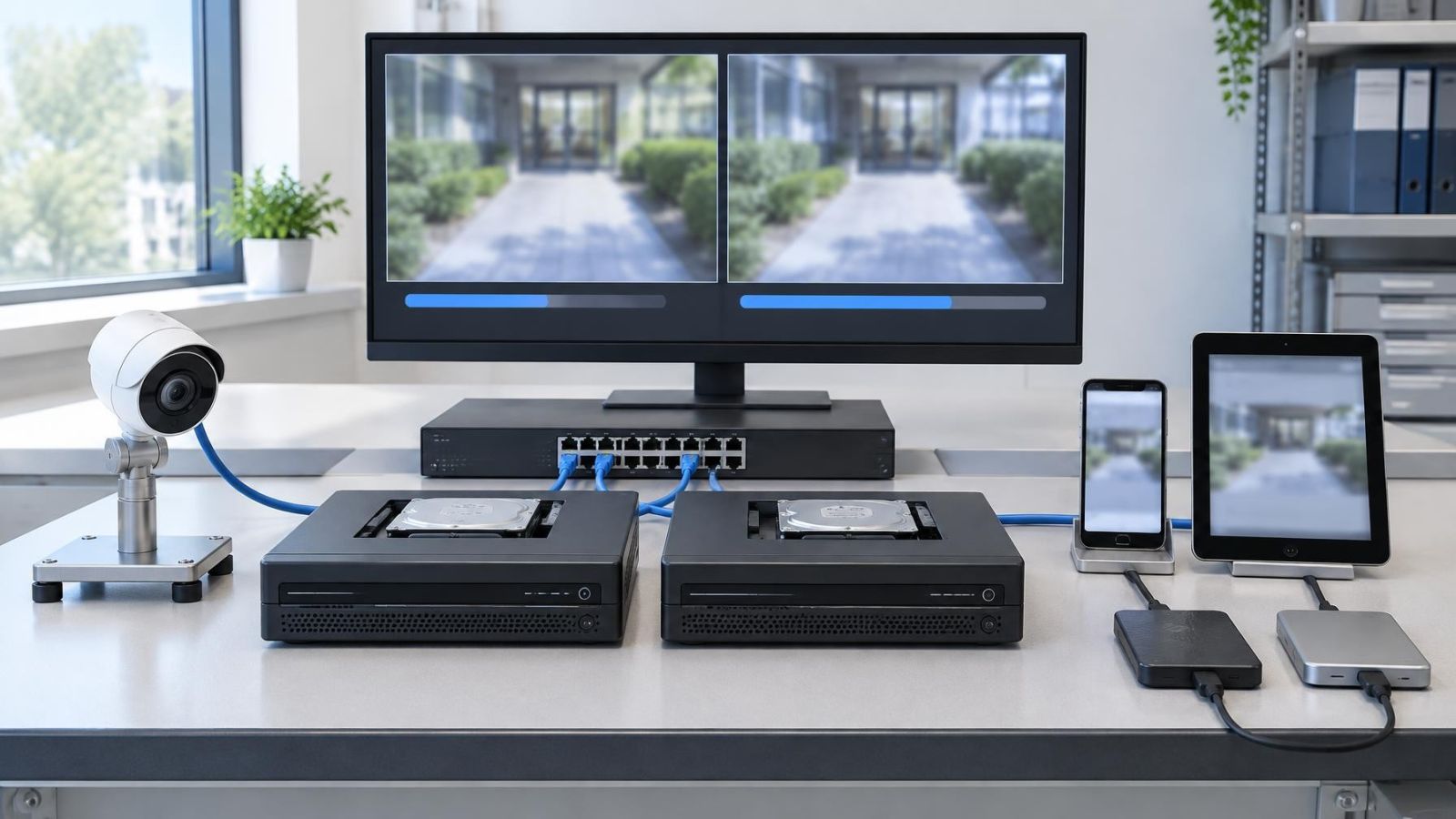
Installer reviewing NVR codec settings beside security camera feeds
NVR, VMS & Video Storage

Choosing H.264 or H.265 for CCTV Recording

Choose H.265 when every camera, recorder, application and viewing device supports it reliably, especially when storage efficiency matters. Choose H.264 when broad compatibility, older equipment or straightforward footage sharing is more important.

10 min read

Security camera app permissions displayed beside a live view on a smartphone
Cybersecurity & Privacy

Reviewing Camera App Permissions Without Breaking Access

Review camera app permissions one at a time, testing local Wi-Fi and remote access after every change. Keep notifications, microphone, file, location and background access only when the features you use require them. Do not change account credentials or recorder settings during a phone permission review.

10 min read

Ready when you are.

Answer a few questions and get a scoped quote — or talk to an engineer today.